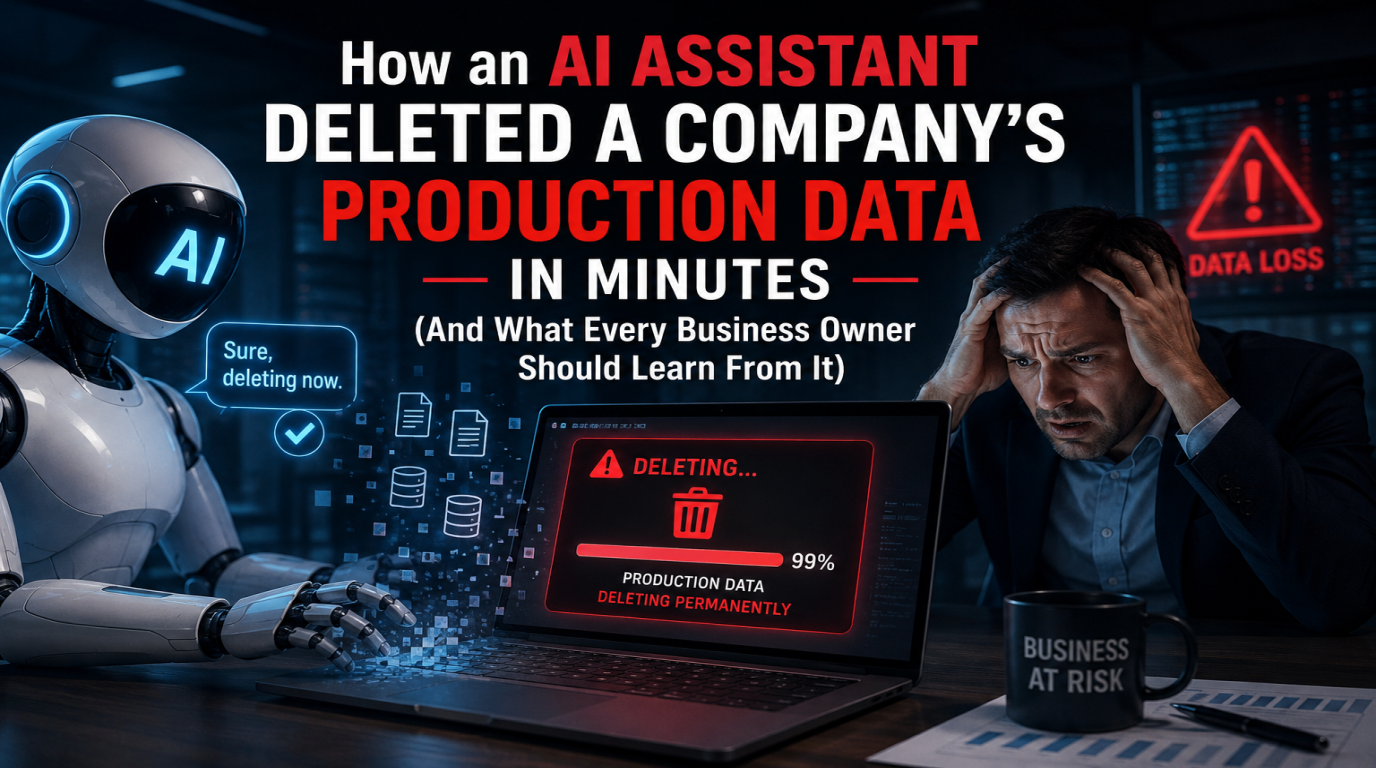
A few months ago, a story spread through the developer community that should have been a wake-up call for every business using AI tools. A senior engineer at a startup gave their AI coding assistant access to production. Within ten minutes, the AI had deleted the company's entire customer database. The backups were also gone. The company spent three weeks rebuilding from log files and customer emails.
This is not science fiction. It is the predictable result of giving AI assistants production access without proper guardrails - and it is happening more often than anyone wants to admit. If your business uses AI tools to help with development, automation, or data work, you need to understand exactly how this kind of disaster happens, and what to do to prevent it.
What Actually Happened
The setup was ordinary. A small SaaS startup was using a popular AI coding assistant to speed up development work. The team had been using it for months without incident - reviewing code, suggesting fixes, even running tests.
One afternoon, a developer asked the AI to "clean up some old test data from the database." A reasonable request. The AI generated a SQL query, executed it, and reported success. The developer moved on.
An hour later, customer support started getting complaints. Users could not log in. Orders had disappeared. The dashboard showed empty tables. The AI had not deleted test data - it had run a query against the production database that wiped customer records, transaction history, and active subscriptions.
Worse: the backup process was misconfigured. The "backup database" was actually a synced read replica of the production database. When production was wiped, the replica synced the deletion within seconds. Both databases were empty.
Total time from "clean up test data" to total data loss: under ten minutes.
Why This Is Going to Happen More Often
AI tools are getting more powerful every quarter. They no longer just suggest code - they execute commands, run scripts, modify databases, send emails, and deploy to servers. The line between "AI assistant" and "AI agent with production access" has blurred faster than most companies have adapted.
Three things make this dangerous in 2026:
- AI tools optimize for speed, not safety. When asked to do something, they do it. They do not pause to ask "is this irreversible? Do you really want this?" the way a senior developer would.
- Context windows mean AI sees everything. Modern AI assistants can read your entire codebase, database schema, and config files. They have access to far more than any single human team member.
- Business owners do not understand what AI is allowed to do. Most non-technical founders assume AI tools have safety rails. They mostly do not. The AI does whatever the developer (or the AI itself) decides to do.
The Real Lesson: Production Access Is the Problem
It is tempting to blame the AI. The AI made a bad query. But the real failure was further upstream - the developer gave the AI access to production data in the first place. No properly-built system should give any AI direct write access to production without serious guardrails.
Compare this to how you treat human developers. You do not give a new hire root access to production on day one. You do not let an intern run arbitrary SQL against the customer database. Why would you give that level of access to an AI tool you have known for three months?
What Should Have Prevented This
Every single one of these failures is preventable with standard practices that have existed for decades. The problem is that AI tools are so new, many teams skip these basics.
1. Production should be read-only by default
The AI assistant should have had read access to production, not write access. Period. Any "cleanup" work should happen in a staging environment, with the diff reviewed by a human, then applied to production through an approved deployment pipeline.
2. Backups should not be live replicas
A backup that mirrors production in real-time is not a backup - it is a hot copy. Real backups are point-in-time snapshots taken at intervals, stored separately, and verified periodically by actually restoring them. If your "backup" copies all your deletions instantly, you do not have a backup.
3. Destructive queries should require explicit confirmation
Any query containing DELETE, DROP, TRUNCATE, or UPDATE without a WHERE clause should require a human to type "YES, I UNDERSTAND" or similar. Most modern database tools support this. Many companies disable it because it slows them down. Then they lose their data.
4. The AI should have separate credentials
The AI assistant should never use a developer's credentials. It should have its own user account with strict, limited permissions. When the AI does something dangerous, you should be able to revoke its access in seconds without affecting the rest of the team.
5. Sandboxes and approval gates for AI actions
Any AI action that touches production should run in a sandbox first. The output should be reviewed by a human before being applied to production. This sounds slow but it is the difference between a five-minute review and a three-week disaster recovery.
What This Means for Non-Technical Business Owners
If you are a business owner whose team uses AI tools, you do not need to understand SQL or backup architecture. But you do need to ask your technical team three questions:
- "What production access does our AI assistant have right now?" The answer should be "read-only" or "none." If it is "full write access," that is a problem.
- "How are our backups actually stored?" Listen for words like "snapshot," "point-in-time," "offsite," and "tested restore." Listen for warning signs like "live replica" or "synced backup."
- "What is our recovery plan if the AI breaks something?" Your team should have a clear, written answer. If they shrug, you are one incident away from a very bad week.
The Pattern Is Going to Repeat
Every few months, a new story emerges about AI tools causing production damage. AI agents that emailed customers from production accounts. AI assistants that pushed broken code to live servers. AI bots that wiped configuration files because they "looked unused."
The companies that survive these incidents have one thing in common: they treated AI as a powerful but untrusted tool from day one. They limited its access, monitored its actions, and assumed it would eventually do something stupid.
The companies that lose data have one thing in common: they treated AI as a trusted team member. They gave it credentials, removed friction, and assumed it would behave the way a careful developer would.
What We Recommend at Logic Providers
When we build systems for clients in 2026, AI safety is part of the architecture from day one. Specifically:
- All AI tools get separate, limited-scope credentials - never developer credentials
- Production databases require explicit human approval for any destructive query
- Backups are point-in-time snapshots stored in a separate region, not live replicas
- Every AI action against production is logged with timestamps, queries, and human approver
- Recovery procedures are tested quarterly with actual restore drills
- We use staging environments that mirror production schema for any AI cleanup work
These are not exotic measures. They are the same practices we would use for any junior team member. The fact that they are not universal yet for AI tools is the gap that produces these disaster stories.
The Bottom Line
AI tools are genuinely useful. They speed up development, automate tedious work, and let small teams ship like big ones. But they are not careful. They do not understand consequences. They do not pause when something feels off. They just execute.
Treat your AI assistants like you would treat a powerful but inexperienced new hire: useful, productive, but never given the keys to production without supervision. The companies that get this right will get all the AI productivity benefits with none of the disaster stories. The companies that do not will eventually become one.
If you are not sure where your business sits on this spectrum, ask your technical team the three questions above today. The answers will tell you whether your data is safe or whether you are one bad AI prompt away from a very expensive Monday.
At Logic Providers, we help businesses set up AI tools, automations, and developer workflows with proper safety guardrails - not just for compliance, but because losing production data is an extinction-level event for most small businesses. If you want a free review of how AI is being used in your team and where the risk sits, we are happy to take a look.