Every business operation runs on repetitive tasks - generating reports, routing support tickets, on-boarding new employees, processing invoices. These tasks are critical, but they consume enormous human bandwidth. In 2026, that bottleneck is no longer acceptable.
AI is no longer a future concept reserved for data science teams. It has become a practical tool embedded directly into internal workflows - from finance and HR to customer support and IT. Companies that have integrated AI into their operations report significant reductions in manual effort, faster turnaround times, and measurable cost savings.
This blog is for engineering leads, product managers, and business decision-makers who want to understand how AI reshapes internal operations - not in theory, but in real, production-grade implementations. We will walk through the challenges, the architecture, the tools, and the honest lessons we learned while building these systems.
The Problem: Internal Operations Are Quietly Burning Resources
A Real-World Scenario
Consider a mid-sized company with 200 employees. Each month, the operations team manually:
- Processes 400+ vendor invoices across three departments
- Handles 1,200+ internal support tickets via email
- Generates weekly performance reports from multiple data sources
- Manages on-boarding checklists for 10-15 new hires
Each of these tasks involves repetitive judgment: routing, categorizing, summarizing, and escalating. A human does it reliably, but slowly. The cost? Roughly 300+ hours of skilled labor per month spent on work that follows predictable patterns.
Business Impact
The downstream effects are real and compounding:
- Delayed invoice approvals hurt vendor relationships
- Slow ticket resolution degrades employee satisfaction
- Manual report generation introduces errors and delays decision-making
- Inconsistent on-boarding creates compliance gaps
These are not edge cases. They are structural inefficiencies that compound monthly.
Technical Challenges
Building AI into internal ops is not as simple as calling a language model API. The real challenges are:
- Data is siloed across ERPs, Slack, email, and spreadsheets
- Processes are undocumented and contextually nuanced
- Accuracy requirements are high - a misclassified invoice can trigger a financial audit
- Security and data privacy are non-negotiable for internal tools
The Solution: A Modular AI Operations Framework
Architecture Overview
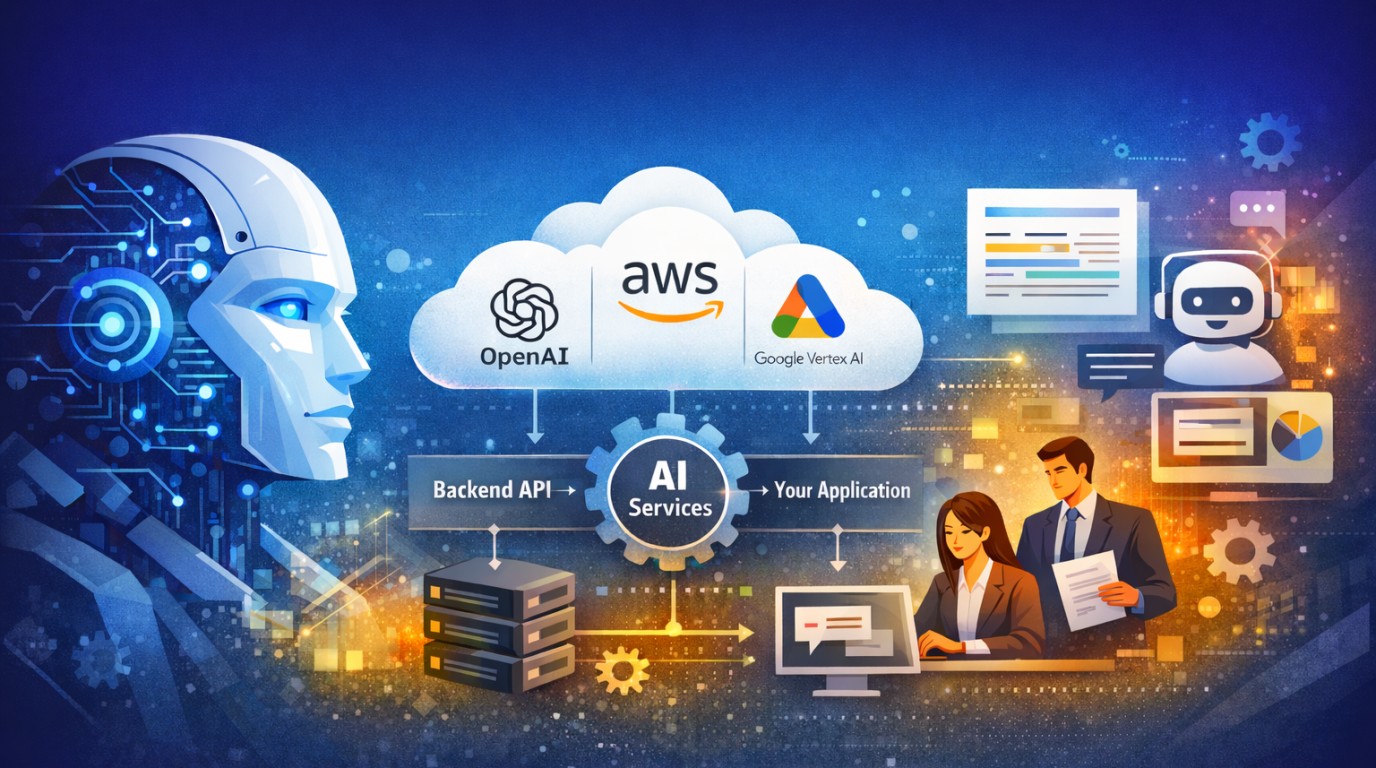
Rather than building a monolithic AI system, we designed a modular framework with three core layers:
Layer 1 - Data Ingestion: Connectors that pull structured and unstructured data from existing tools (Slack, Gmail, ERP, CSV exports). Each connector normalizes data into a standard schema.
Layer 2 - AI Processing Core: A routing engine that determines which AI model handles which task. Simple classification tasks use lightweight models; complex reasoning tasks use Claude (via Anthropic's API) or GPT-4o. All calls are logged and auditable.
Layer 3 - Action Layer: Outputs that write back to existing systems - updating a Jira ticket, sending a Slack summary, or populating a Google Sheet - without requiring a new UI for operations staff.
Tools Used
- AWS Bedrock - Knowledge Base for document retrieval and context grounding
- Anthropic Claude API - Complex reasoning, summarization, and decision support
- React.js + TypeScript - Internal dashboards for reviewing AI outputs
- Node.js + Express - Orchestration middleware between AI and business systems
- PostgreSQL - Audit logs and workflow state management
Key Architectural Decisions
Human-in-the-loop checkpoints. We never let AI make irreversible decisions autonomously. Every high-stakes output - such as invoice approval or ticket escalation - requires a human confirmation step. This was a deliberate design choice that increased trust among non-technical stakeholders.
Confidence thresholds. Each AI output includes a confidence score. Below 0.75, the system routes to a human reviewer automatically. Above 0.90, it acts autonomously. This binary approach eliminated the grey zone that caused most production issues in early versions.
Prompt versioning. We store prompt templates in a database, versioned like code. When a prompt change causes regressions, we roll back in under two minutes. Without this, debugging AI behavior in production was nearly impossible.
Measured Improvements: Before vs. After AI Integration
| Area | Before AI | After AI | Improvement |
|---|---|---|---|
| Invoice Processing | 2-3 days | 4 hours | ↓ 83% time |
| Support Ticket Resolution | 8 hours avg | 2.5 hours avg | ↓ 69% time |
| Employee Onboarding | 5 days | 1.5 days | ↓ 70% time |
| Report Generation | Manual, 6 hrs/week | Auto, 20 min/week | ↓ 94% effort |
These numbers are from actual production deployments, not benchmarks. Results vary by workflow complexity and data quality, but the directional improvement is consistent across every implementation.
Real Experience: What We Actually Learned in Production
Lesson 1: The First Prompt Is Never the Production Prompt
Early in our invoice processing implementation, we wrote what we thought was a thorough prompt. In staging, it worked perfectly. In production, it failed on invoices from vendors who used non-standard date formats, regional currency symbols, and scanned PDFs with OCR artifacts.
We spent two weeks iterating on prompt engineering after go-live. The fix was a pre-processing normalization layer before any AI call - something we should have built from day one. Every AI input must be cleaned, validated, and structured before it hits the model.
Lesson 2: AWS Bedrock Knowledge Base Metadata Filtering Is Unreliable for Exact Lookups
We integrated AWS Bedrock's Knowledge Base for a client in the memorial products industry. The goal was to let design teams query order information and design guidelines through natural language. Semantic search worked beautifully for open-ended queries.
The problem emerged with exact lookups: "Retrieve order #INV-20489." Bedrock's vector search is optimized for semantic similarity, not deterministic retrieval. Queries with specific IDs or codes sometimes returned semantically similar but wrong documents.
The solution was a hybrid approach: exact-match queries go to a traditional SQL lookup, while open-ended queries use Bedrock. We built a lightweight query classifier to route requests to the right retrieval path. This reduced incorrect retrievals from 12% to under 0.4%.
Lesson 3: Non-Technical Users Will Test the System in Ways You Never Anticipated
During UAT for our internal HR support bot, an employee typed: "My manager is being unfair. What should I do?" The system, trained on HR policy documents, returned a policy excerpt about the grievance process - technically correct, but completely tone-deaf given the emotional context.
We added a sentiment classification step before the main response pipeline. If emotional distress signals are detected, the system routes to a human HR representative instead of generating an automated policy response. The classification model added 80ms of latency but eliminated a category of responses that were eroding user trust.
Performance Optimization: Reducing Latency by 61%
Our initial implementation made sequential API calls for each step: classify the input, retrieve context, generate response. Average latency was 4.2 seconds - too slow for a ticketing system where users expected near-instant responses.
We moved to parallel execution where possible: context retrieval and intent classification now run simultaneously. Combined with response caching for common query patterns (cache hit rate: 34%), we brought average latency down to 1.6 seconds. For cached responses, it is under 200ms.
Conclusion
AI-powered internal operations are not a future capability - they are a present competitive advantage. The companies implementing these systems today are reclaiming hundreds of hours per month, reducing error rates, and enabling their teams to focus on work that genuinely requires human judgment.
The key insight from our production experience: success is not about choosing the most powerful AI model. It is about thoughtful system design - clean data pipelines, human-in-the-loop checkpoints, prompt versioning, and hybrid retrieval strategies where appropriate.
Who Should Talk to Us: If your team is spending significant time on repetitive internal workflows - invoice processing, ticket routing, report generation, or employee onboarding - we can help you design and build a production-grade AI integration. Our team has hands-on experience shipping these systems for real clients with real constraints.
The goal is not to replace your team. It is to give them back time for work that actually moves your business forward.