Imagine this: A customer visits your online store, adds three items to their cart, and reaches the checkout page. Then they see a flat $15 shipping fee that looks random. They hesitate, think it is too expensive, and leave. You just lost a sale - not because of your product or price, but because of shipping.
This happens thousands of times every day across e-commerce stores worldwide. In 2026, with competition fiercer than ever and customers expecting Amazon-level service, your shipping experience can make or break your business.
The good news? You can fix this with shipping rate automation. By connecting your store directly to UPS and USPS, you can show real, live shipping rates to every customer - based on actual package weight, size, and destination. No more guessing. No more overcharging. No more abandoned carts.
The Problem: Why Manual Shipping Rates Hurt Your Business
Meet Richa. She runs an online store selling handmade candles and ships around 200 orders per month. She charged $8 for every order, no matter the size or destination. Here is what happened:
- Customers in nearby cities felt overcharged - ground shipping actually cost $4
- Customers in Alaska or Hawaii cost Richa $6 more per order than she charged
- 30% of her customers abandoned cart at checkout because of the shipping price
- She spent 2 hours every week manually calculating shipping costs for large orders
Studies consistently show that unexpected or high shipping costs are the #1 reason for cart abandonment in e-commerce. When rates are wrong - too high for the customer or too low for the seller - everyone loses.
How Real-Time Shipping Rate Automation Works
Think of shipping rate automation like a price calculator that works in the background when your customer is at checkout:
- Customer enters their delivery address at checkout
- Your store sends the package details (weight, size) and destination to UPS and USPS
- UPS and USPS respond with available shipping options and real prices
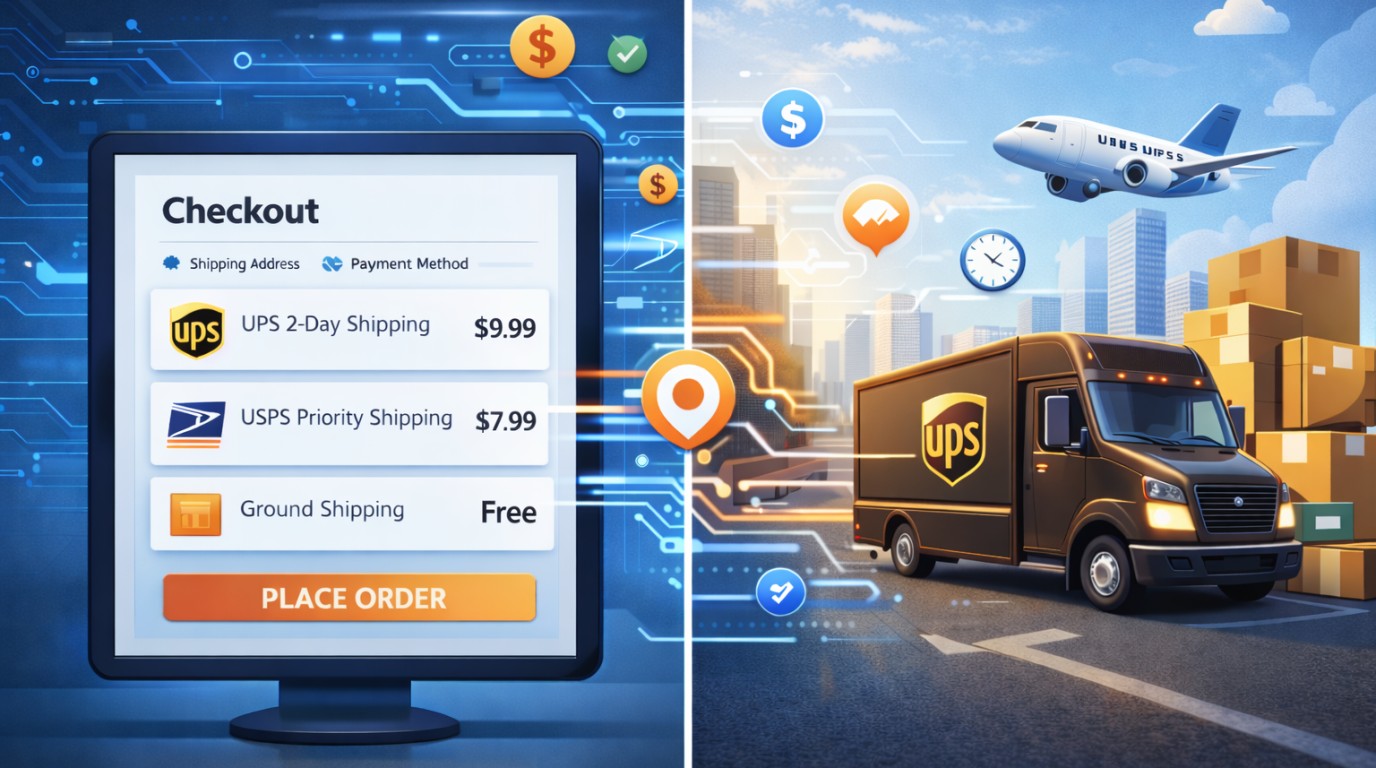
- Your store displays these options (e.g., "UPS Ground - $5.20", "USPS Priority Mail - $8.50")
- Customer picks their preferred option and pays the exact real rate
No guessing. No flat fees. Just accurate rates - automatically.
Technical Implementation for Developers
Step 1 - Get API Credentials
- UPS: Register at the UPS Developer portal, create an app, and get your Client ID, Client Secret, and Account Number
- USPS: Register at USPS Web Tools and get a User ID. The new USPS APIs (2024+) use OAuth 2.0
Step 2 - Calculate Package Dimensions
Both APIs need weight (in ounces or pounds) and dimensions (length, width, height in inches). For stores with varying products, store these values per product in your database.
Step 3 - Call the Rate API
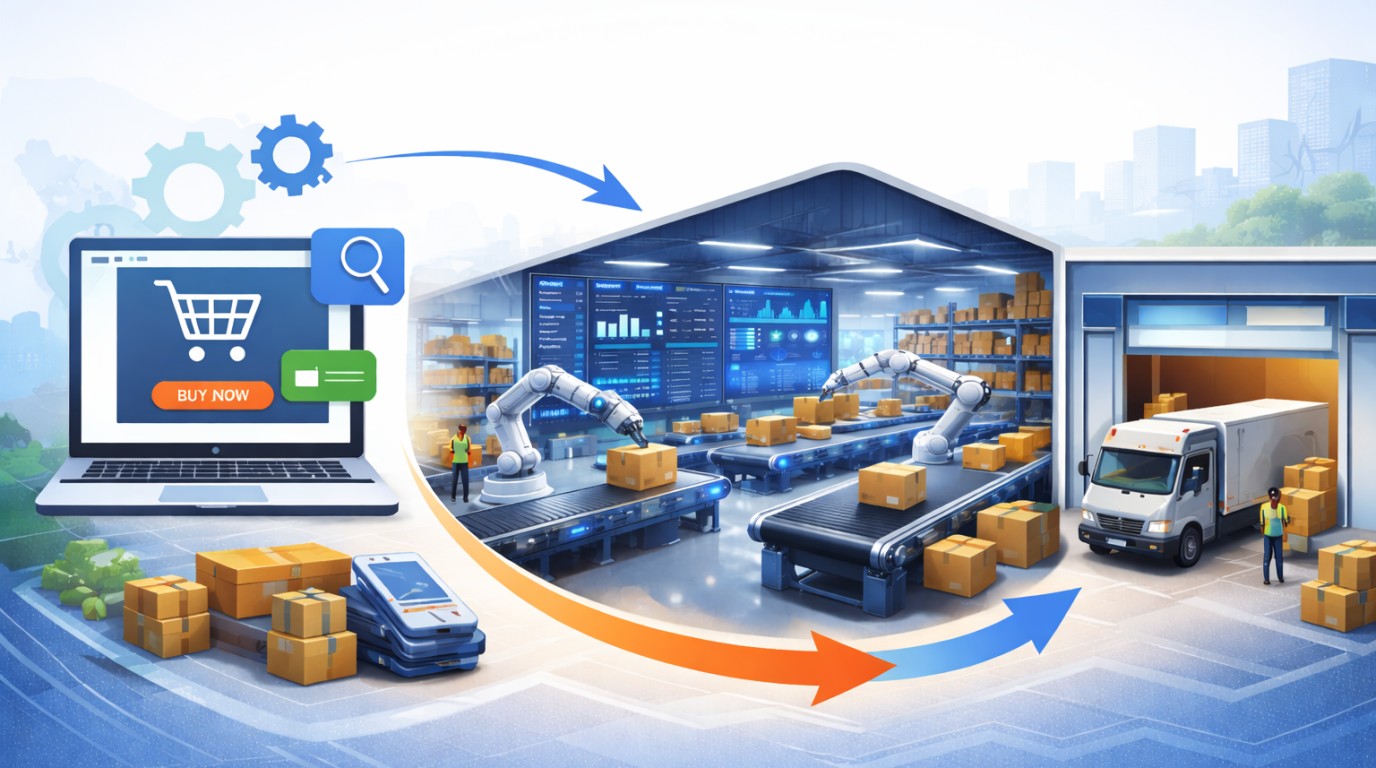
Your backend sends a rate request to the UPS or USPS API with the shipment details - origin zip code, destination zip code, and package weight. The carrier responds with a list of available services and their real prices. Your system passes those options to the checkout page for the customer to choose from.
Step 4 - Cache the Results
Shipping rates for the same origin + destination + weight combination do not change minute to minute. Cache API responses for 30-60 minutes to reduce API call volume and speed up your checkout page.
Step 5 - Handle Errors Gracefully
Carrier APIs go down. Always have a fallback - either a cached rate or a simple flat-rate fallback - so your checkout never breaks completely.
Real-World Case: 31% Reduction in Abandoned Carts
ShopBright is a mid-sized online gift shop shipping around 1,500 orders per month. Before automation, they used flat rates: $6 for small, $12 for medium, and $18 for large orders. Customers in nearby states saw $12 for packages that cost $4.80 to ship. Orders to Hawaii were consistently losing $8-$12. Their team spent 6 hours per week manually adjusting rates for B2B bulk orders.
After integrating both UPS and USPS APIs with a Redis cache layer, they achieved a 31% reduction in cart abandonment within 90 days.
Mistakes to Avoid
- Not testing with real package dimensions - always test with your actual product weights and sizes
- Ignoring carrier surcharges - fuel surcharges, residential delivery fees, and Saturday delivery fees can add 10-30% to base rates
- Only integrating one carrier - offering both UPS and USPS gives customers choice and improves conversion
- No fallback on API failure - always have a backup rate strategy
- Using test credentials in production - a surprisingly common mistake that causes silent failures
- Not accounting for dimensional weight - always calculate both actual and dimensional weight and use the higher value
Conclusion
Shipping rate automation is not just a technical upgrade - it is a business decision that pays for itself quickly. When customers see real, accurate shipping rates at checkout, they trust your store more and are more likely to complete their purchase.
The integration itself - connecting to UPS and USPS APIs, building a rate calculator, and displaying options at checkout - is a one-time investment that saves money, time, and customer frustration for years.