Tools, real use cases, and the limitations nobody talks about.
A marketing manager at a mid-sized logistics company built an internal shipment tracking dashboard in three days. No engineers involved. No ticket raised. No sprint planning. She used a no-code tool, connected it to the company's existing database, and shipped it herself.
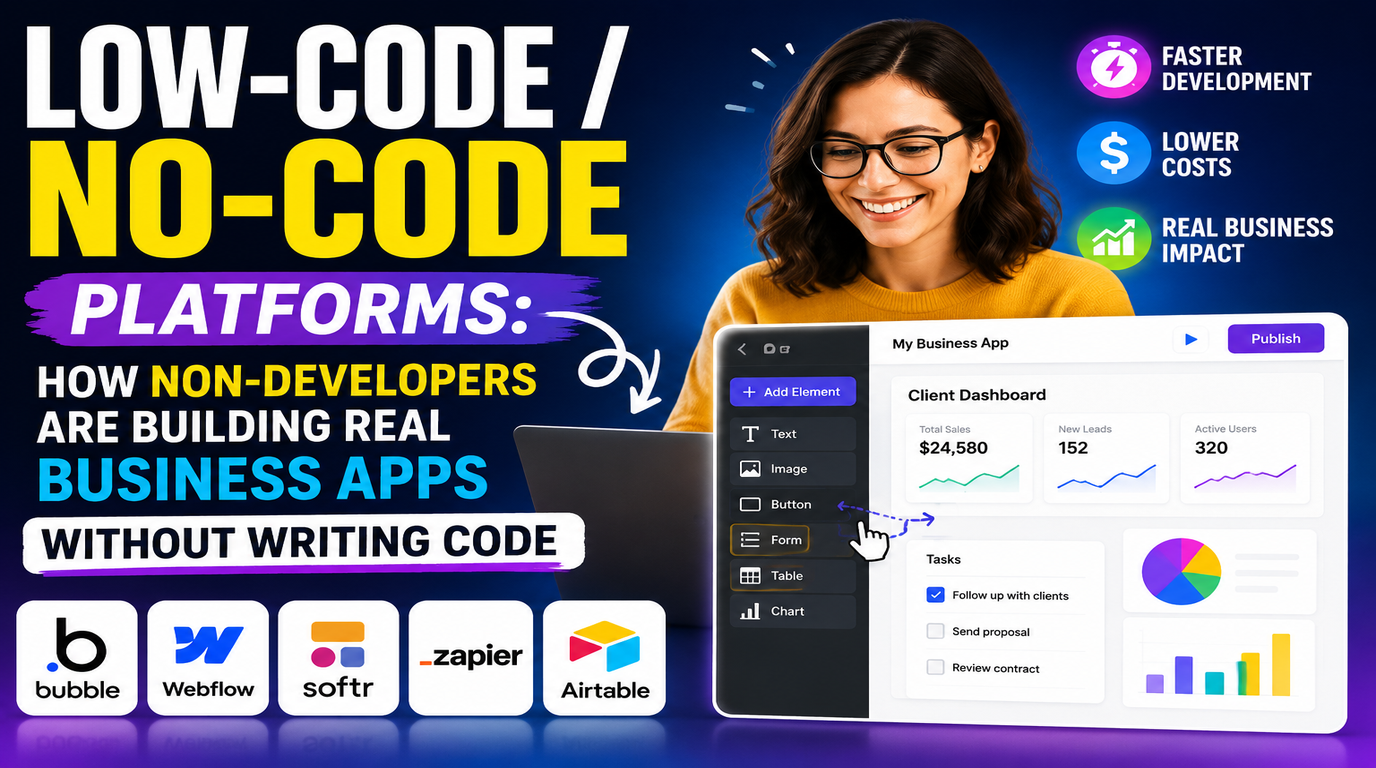
That kind of story is becoming common. Low-code and no-code platforms have matured to the point where meaningful, production-grade business applications are being built by people whose job title has nothing to do with software. The market crossed $45 billion in 2025 and is growing at nearly 28% annually not because the tools are trendy, but because the bottleneck they solve is real.
This blog covers what these platforms actually are, where they work well, which tools dominate each category, and importantly where they break down.
Low-Code vs No-Code - What's the Difference?
The terms get used interchangeably but they target different users and different levels of complexity.
No-code platforms are built for people with no programming background at all. Everything is visual drag-and-drop interfaces, pre-built templates, point-and-click logic. If you can use a spreadsheet, you can use a no-code tool. The tradeoff is flexibility: you're constrained to what the platform supports.
Low-code platforms assume some technical literacy. They handle the boilerplate UI scaffolding, database connections, deployment pipelines while letting developers drop into code for the parts that need custom logic. They dramatically speed up development without removing the ability to build something genuinely complex.
Low-code/no-code market size in 2025
of low-code users will be outside IT by 2026 (Gartner)
faster delivery vs traditional development
The Tools That Actually Matter
The market is crowded. These are the platforms consistently showing up in real production environments across different use cases:
Bubble
No-CodeWeb apps with complex logic & user auth
Webflow
No-CodeMarketing sites & CMS-driven content
Retool
Low-CodeInternal tools & admin dashboards
OutSystems
Low-CodeEnterprise-grade apps at scale
Glide
No-CodeMobile apps from spreadsheet data
AppGyver
Low-CodeMobile & web apps with SAP integration
Zapier / Make
No-CodeWorkflow automation between SaaS tools
Power Apps
Low-CodeMicrosoft ecosystem internal tools
Tool choice depends heavily on use case. Retool dominates internal tooling for technical teams. Bubble is the go-to for founders building MVPs without engineers. Power Apps wins in organisations already deep in the Microsoft stack. There's no universal best option.
Where Low-Code / No-Code Actually Works
Internal Tools and Dashboards
This is the strongest use case. Operations teams, sales ops, finance anyone who needs to see and act on data from multiple systems. Building a custom CRM view, an inventory management panel, or an approval workflow in Retool takes days, not months. The alternative is waiting six months for engineering bandwidth that may never come.
Real example: A 60-person e-commerce company replaced three separate spreadsheet processes purchase orders, supplier onboarding, and returns management with Retool apps built by one ops manager over two weeks. Engineering was never involved.
Workflow Automation
Tools like Zapier and Make (formerly Integromat) connect the SaaS tools a business already uses and automate repetitive handoffs between them. A new lead in HubSpot automatically creates a row in Airtable, sends a Slack notification, and triggers a welcome email sequence. No code, no engineer, done in an afternoon.
At more complex scales, these tools struggle but for the 80% of automations that are just "when X happens in system A, do Y in system B", they're genuinely excellent.
MVPs and Proof of Concepts
Founders and product teams use no-code tools to validate ideas before committing engineering resources. A Bubble app can test whether users will pay for a product, what the core workflow looks like, and where the friction points are before a single line of production code is written. The best outcome is learning what to build; the worst outcome is learning what not to build, cheaply.
Client-Facing Portals
Customer portals, partner dashboards, booking tools, and onboarding flows are all well within the capability of modern no-code platforms. Businesses that previously couldn't afford custom portal development are building them in weeks on Bubble or Softr, integrating with their existing backend via API.
The Limitations Nobody Talks About
The marketing around low-code and no-code platforms is relentlessly optimistic. The limitations are real, and they matter when you're deciding whether to build something this way.
You hit the ceiling faster than you expect
Every no-code platform has a ceiling. You'll build something, users will want a feature the platform doesn't support, and suddenly you're either stuck or looking at a costly migration to custom code. The more successful the tool becomes internally, the more painful this ceiling is when you reach it.
Performance degrades at scale
No-code tools add abstraction layers. For low-traffic internal tools, this doesn't matter. For applications serving thousands of concurrent users or processing large datasets, it becomes a problem. Database query performance, real-time updates, and complex calculations can all slow to unusable speeds on platforms not designed for that load.
Vendor lock-in is severe
Your app lives inside the platform. If the vendor raises prices, changes terms, or shuts down, migrating is enormously difficult you can't just export code and redeploy it. Several high-profile no-code platforms have significantly raised prices after achieving user lock-in. Factor this into the decision.
Security and compliance gaps
Enterprise security requirements - SSO, RBAC, audit logs, data residency are often partially or poorly supported. Healthcare, finance, and government use cases frequently hit compliance walls that no-code platforms can't clear, no matter how capable the visual builder is.
Technical debt accumulates differently
Traditional technical debt is in code. No-code debt accumulates in complex, undocumented workflow logic that becomes impossible to understand six months later especially if the person who built it has left. "I don't know why this automation works, but don't touch it" is a real and common situation.
Honest take: Low-code and no-code tools are excellent for the right problems. They're genuinely transformative for internal tooling, automation, and MVPs. They're a bad choice for anything that needs to scale to enterprise load, meet strict compliance requirements, or be maintained long-term by a team that didn't build it.
How to Decide: Build vs Buy vs No-Code
The decision isn't binary. Most businesses end up with a mix custom code for the core product, low-code for internal tools, no-code for automation and quick experiments. The question is where to draw the lines.
Use no-code when speed matters more than flexibility
Validating an idea, automating a manual process, or building an internal tool that serves a small team these are no-code territory. Optimise for getting it done now.
Use low-code when you need custom logic but not a full build
Complex internal applications, client portals with specific business rules, or mobile apps for field teams low-code handles these well with a fraction of the development time.
Use custom code when scale, compliance, or differentiation is at stake
Your core product, customer-facing systems at scale, anything in a regulated industry, or anything that represents genuine competitive IP these need custom development. The flexibility and control justify the cost.
The Bigger Picture
Low-code and no-code platforms aren't eliminating software developers they're eliminating the wait. The bottleneck in most businesses isn't developer skill, it's developer time. When an ops team can build their own tools, a founder can validate their own ideas, and a marketing team can automate their own workflows, engineering bandwidth gets redirected to the problems that actually require it.
Gartner forecasts that by 2026, 80% of low-code users will sit outside formal IT departments. That's not a prediction about tools it's a prediction about where software creation is heading. The businesses that figure out how to govern this well, without either blocking it or letting it run wild, will move faster than the ones still routing every internal tool request through a sprint backlog.
Where to start: Pick the most painful internal process your team manages in spreadsheets. Map the inputs, outputs, and logic. Then spend a week trying to build it in Retool or Glide. The result will be imperfect and it will still be ten times better than the spreadsheet.