Picture one of your customers on their phone at 10 p.m. They've found the product, picked the size and added it to the cart. Then the checkout asks for a 16-digit card number, an expiry date, a security code, a billing address and a shipping address, all typed with one thumb on a small screen.
Some customers push through. Many don't. They close the tab and tell themselves they'll finish later, and most never come back.
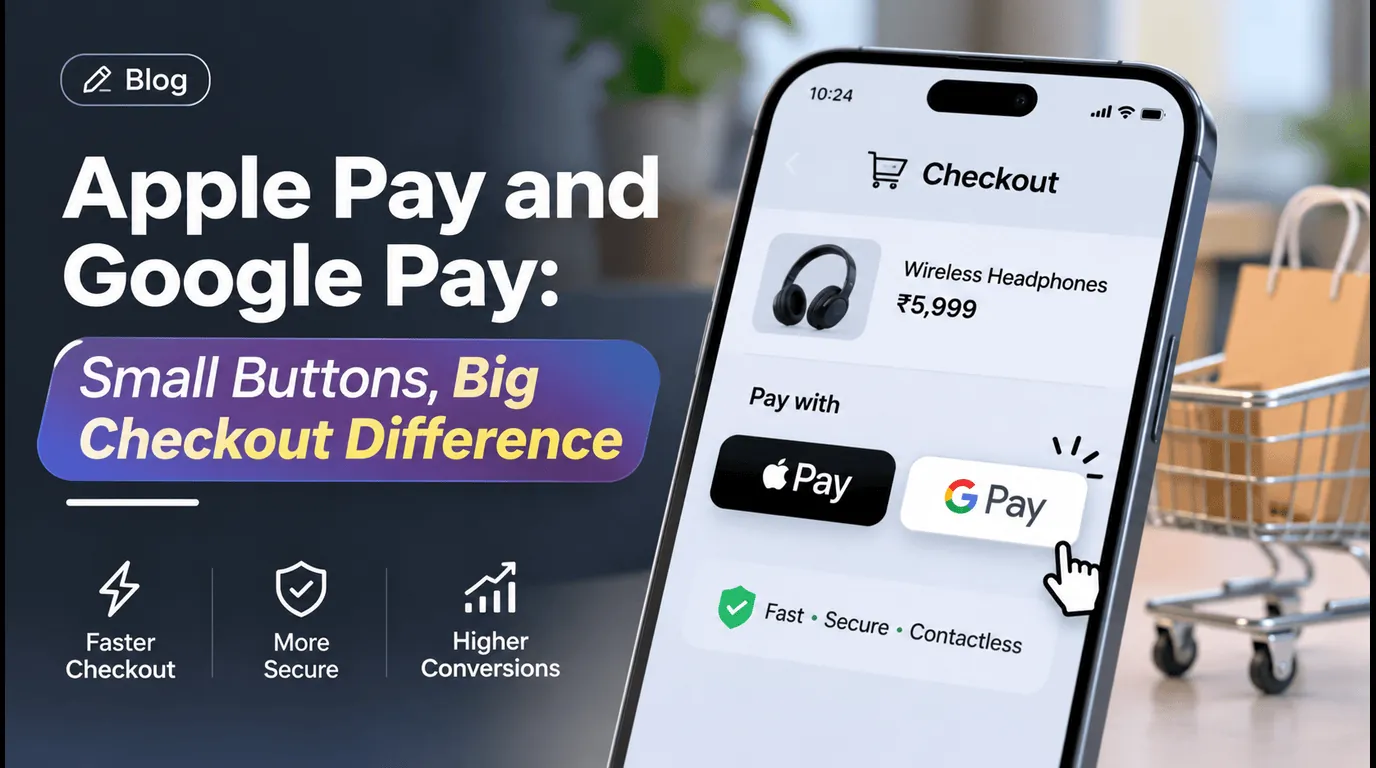
Apple Pay and Google Pay remove almost all of that typing. For an online store, that small button at checkout can be the difference between a sale and an abandoned cart.
The checkout is where sales go missing
Research from the Baymard Institute has put the average online cart abandonment rate at around 70 percent for years. Some of that is window shopping, and no checkout will win back every visitor. But a large share happens for reasons a store can fix. Shoppers regularly point to a checkout that feels long or complicated, and to not wanting to type their card details into a site they don't know well.
Both problems are worse on mobile, where most stores now get the majority of their visitors. Typing is slow, mistakes are easy, and one wrong digit in a card number means starting again.
What Apple Pay and Google Pay actually do
Both are digital wallets. Your customer has already saved their card, and usually their name, email and addresses, in their phone or browser. At checkout they tap the Apple Pay or Google Pay button, check the total, and confirm with their face, fingerprint or phone passcode.
That's the whole checkout. There's no form to fill in, no card to fetch from another room and no password to remember.
They work beyond phones too. Apple Pay works in Safari on Mac computers, and Google Pay works in Chrome on desktop, so customers who prefer a laptop get the same shortcut.
Why one tap leads to more completed orders
- It's faster. A checkout that took a couple of minutes of typing now takes a few seconds. Less time at checkout means fewer chances to get distracted or have second thoughts.
- There are fewer mistakes. Card details and addresses come from the wallet already filled in, so there are no typos and fewer failed payments.
- It feels safer to the shopper. The customer never types their card number into your site. The wallet shares a one-time payment code instead of the real card number, which reassures first-time buyers who don't know your brand yet.
- It feels familiar. Customers already use these buttons in apps and stores they trust. Seeing the same button on your checkout makes your store feel established.
- It suits repeat and impulse buys. When buying takes one tap, a customer who decides "yes, I'll reorder" can do it before the moment passes.
Which stores benefit most
Almost any online store can benefit, but the difference tends to be biggest when:
- most of your visitors arrive on mobile, for example from social media or ads
- you sell products people reorder, such as supplements, beauty or household items
- many of your buyers are first-time customers who haven't created an account
- your average order is small enough that a long checkout feels out of proportion
What to know before you add it
Adding the buttons isn't complicated, but a few details decide whether it goes smoothly. These are the points we go through with every store.
- Check your payment provider first. Providers like Stripe support Apple Pay and Google Pay alongside your existing card payments, usually at the same processing fee as a normal card payment, and often without a new merchant account. Confirm the details for your own provider and plan.
- Your website has to be registered for Apple Pay. Apple only shows the button on websites that have been verified through your payment provider. It's a one-time setup step, but the button won't appear until it's done, and a test or staging site needs its own registration.
- Not every visitor will see the buttons, and that's normal. Apple Pay appears on Apple devices with a card saved in Wallet. Google Pay appears where the phone or browser supports it. Everyone else still sees your regular card checkout, so keep it in place.
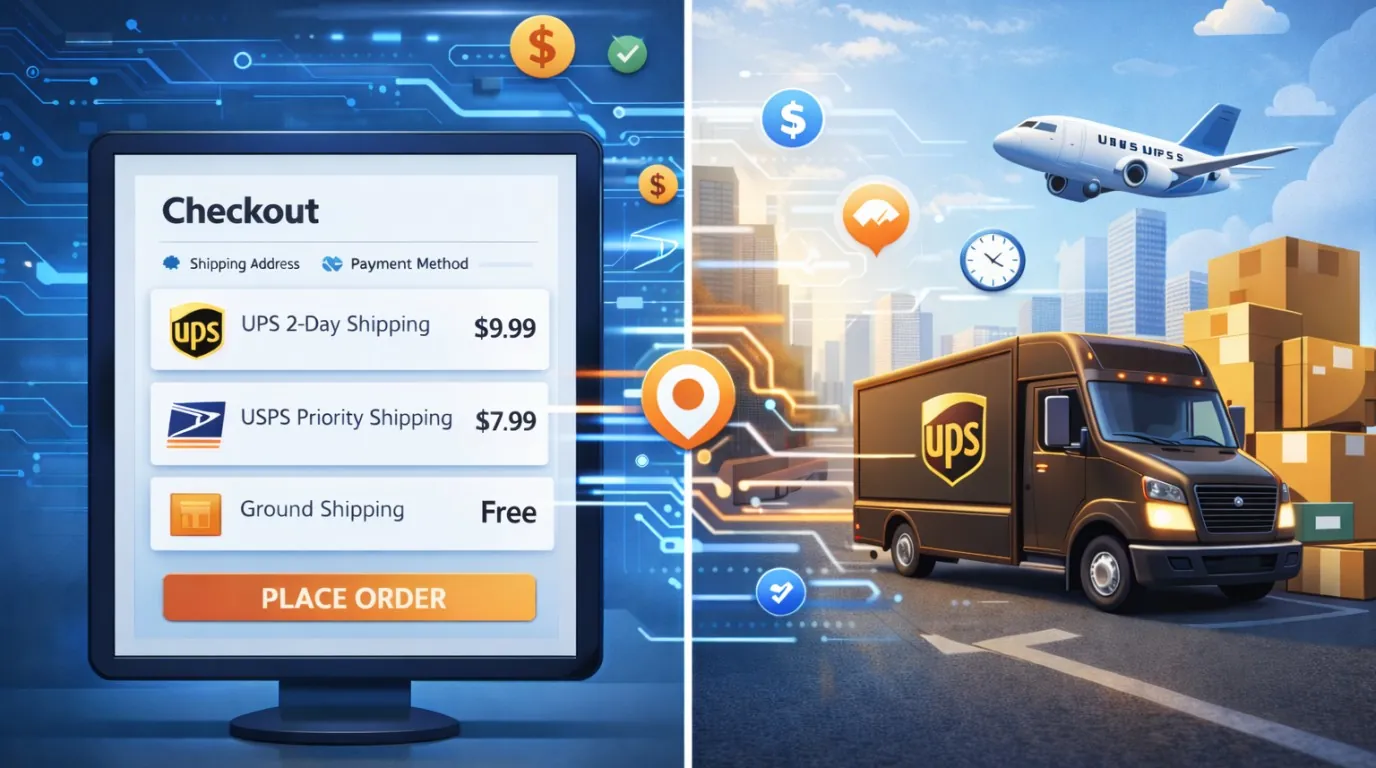
- The total must match exactly. Shipping, taxes, discounts and extras such as shipping protection all need to be in the amount the wallet shows. If a customer sees one total in the wallet and another on their order confirmation, you'll get support emails and lose trust.
- Plan for subscriptions. If you sell subscriptions, decide how renewals will be charged when the first payment came from a wallet, before you switch it on.
- Put the buttons where decisions happen. Showing them at the top of the checkout, or as an express option on the cart page, gets far more use than placing them at the end of a long form.
- Test on real devices before launch. Try an iPhone, an Android phone, a Mac and a Windows laptop. Place test orders with and without discounts, and check that the orders, emails and totals come through correctly on your side.
How to tell if it's working
Before launch, note your current checkout conversion rate, ideally split by mobile and desktop. After launch, watch three things for a few weeks: how many orders are paid with Apple Pay or Google Pay, whether mobile conversion goes up, and whether failed payments go down. Those numbers show quickly whether the change is paying for itself.
Quick checklist
- Your payment provider supports Apple Pay and Google Pay on your plan
- Your website is registered for Apple Pay
- The wallet total includes shipping, taxes, discounts and extras
- The regular card checkout is still available
- Subscription renewals are planned for
- The buttons sit on the cart page or at the top of checkout
- Tested on iPhone, Android, Mac and Windows before going live
- Conversion measured before and after
The bottom line
Customers who reach your checkout have already decided they want to buy. Apple Pay and Google Pay make sure a long form doesn't change their mind. For most stores, it's one of the simplest changes that can win back sales you're losing today.
Logic Providers can help you add Apple Pay and Google Pay to your store the right way. We connect them to your payment provider, make sure every total matches your shipping, taxes and discounts, plan for subscriptions, and test on real devices before anything goes live. Your customers check out in one tap, and you keep more of the sales you've already earned. Get in touch with Logic Providers to get started.