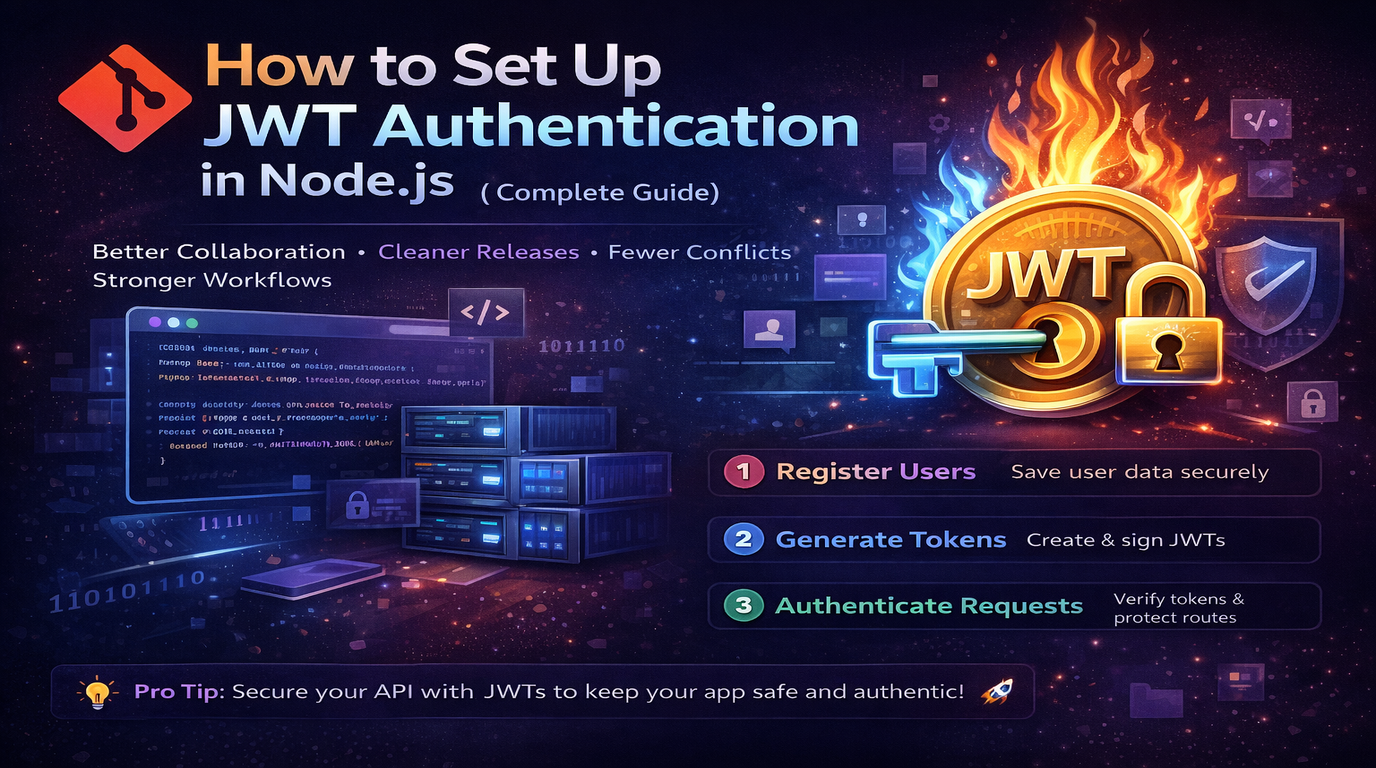
Authentication is the first thing you build and the last thing you want to debug in production. JSON Web Tokens (JWT) have become the standard for stateless authentication in Node.js APIs. This guide walks you through a complete, production-ready implementation.
What is JWT and Why Use It?
JWT is a compact, self-contained token format that encodes user identity and claims as a signed JSON object. Unlike session-based auth (where the server stores session data), JWT is stateless - the token itself contains everything the server needs to verify a user.
This makes JWT ideal for:
- REST APIs consumed by mobile apps and SPAs
- Microservice architectures where services need to verify tokens independently
- Applications that need to scale horizontally without shared session storage
Project Setup
Start with a clean Express project:
mkdir jwt-auth-demo
cd jwt-auth-demo
npm init -y
npm install express jsonwebtoken bcryptjs dotenv cookie-parser
npm install --save-dev nodemon
Create a .env file with your secrets:
ACCESS_TOKEN_SECRET=your-access-secret-here-min-32-chars
REFRESH_TOKEN_SECRET=your-refresh-secret-here-min-32-chars
ACCESS_TOKEN_EXPIRY=15m
REFRESH_TOKEN_EXPIRY=7d
PORT=3000
Important: Never hardcode secrets in your source code. Use environment variables and keep .env out of version control.
Step 1: User Registration with Password Hashing
Never store passwords as plain text. Use bcrypt to hash them:
const bcrypt = require("bcryptjs");

async function registerUser(email, password) {
    // Hash password with salt rounds of 12
    const hashedPassword = await bcrypt.hash(password, 12);

    // Save user to database
    const user = await db.users.create({
        email,
        password: hashedPassword
    });

    return user;
}
The salt rounds parameter (12) determines hashing cost. Higher is more secure but slower. 12 is the recommended minimum for production in 2026.
Step 2: Login and Token Generation
When a user logs in, verify their password and issue two tokens:
const jwt = require("jsonwebtoken");

async function loginUser(email, password) {
    const user = await db.users.findByEmail(email);
    if (!user) throw new Error("Invalid credentials");

    const isValid = await bcrypt.compare(password, user.password);
    if (!isValid) throw new Error("Invalid credentials");

    // Generate access token (short-lived)
    const accessToken = jwt.sign(
        { userId: user.id, email: user.email, role: user.role },
        process.env.ACCESS_TOKEN_SECRET,
        { expiresIn: process.env.ACCESS_TOKEN_EXPIRY }
    );

    // Generate refresh token (long-lived)
    const refreshToken = jwt.sign(
        { userId: user.id },
        process.env.REFRESH_TOKEN_SECRET,
        { expiresIn: process.env.REFRESH_TOKEN_EXPIRY }
    );

    return { accessToken, refreshToken };
}
Why two tokens? The access token is short-lived (15 minutes) so if it is stolen, the damage window is small. The refresh token is long-lived (7 days) and is used only to get new access tokens.
Step 3: Authentication Middleware
Create middleware that protects routes by verifying the access token:
function authenticateToken(req, res, next) {
    const authHeader = req.headers["authorization"];
    const token = authHeader && authHeader.split(" ")[1];

    if (!token) {
        return res.status(401).json({ error: "Access token required" });
    }

    jwt.verify(token, process.env.ACCESS_TOKEN_SECRET, (err, decoded) => {
        if (err) {
            return res.status(403).json({ error: "Invalid or expired token" });
        }
        req.user = decoded;
        next();
    });
}

// Use it on protected routes
app.get("/api/profile", authenticateToken, (req, res) => {
    res.json({ userId: req.user.userId, email: req.user.email });
});
Step 4: Token Refresh Flow
When the access token expires, the client uses the refresh token to get a new one without asking the user to log in again:
app.post("/api/refresh", (req, res) => {
    const refreshToken = req.cookies.refreshToken || req.body.refreshToken;

    if (!refreshToken) {
        return res.status(401).json({ error: "Refresh token required" });
    }

    jwt.verify(refreshToken, process.env.REFRESH_TOKEN_SECRET, (err, decoded) => {
        if (err) {
            return res.status(403).json({ error: "Invalid refresh token" });
        }

        // Issue new access token
        const accessToken = jwt.sign(
            { userId: decoded.userId, email: decoded.email, role: decoded.role },
            process.env.ACCESS_TOKEN_SECRET,
            { expiresIn: process.env.ACCESS_TOKEN_EXPIRY }
        );

        res.json({ accessToken });
    });
});
Step 5: Role-Based Access Control (RBAC)
Add authorization on top of authentication:
function authorizeRoles(...allowedRoles) {
    return (req, res, next) => {
        if (!allowedRoles.includes(req.user.role)) {
            return res.status(403).json({ error: "Insufficient permissions" });
        }
        next();
    };
}

// Only admins can delete users
app.delete("/api/users/:id",
    authenticateToken,
    authorizeRoles("admin"),
    deleteUserHandler
);

// Admins and managers can view reports
app.get("/api/reports",
    authenticateToken,
    authorizeRoles("admin", "manager"),
    getReportsHandler
);
Step 6: Secure Token Storage
Where you store tokens matters for security:
- Access token: Store in memory (JavaScript variable). Never in localStorage - it is vulnerable to XSS attacks.
- Refresh token: Store in an HTTP-only, secure, same-site cookie. This prevents JavaScript from accessing it.
// Set refresh token as HTTP-only cookie
res.cookie("refreshToken", refreshToken, {
    httpOnly: true,
    secure: process.env.NODE_ENV === "production",
    sameSite: "strict",
    maxAge: 7 * 24 * 60 * 60 * 1000 // 7 days
});
Common Security Mistakes to Avoid
1. Storing Tokens in localStorage
Any XSS vulnerability in your app can steal tokens from localStorage. Use HTTP-only cookies for refresh tokens and in-memory storage for access tokens.
2. Not Validating Token Expiry
Always set and check expiry times. A token without an expiry is valid forever - if leaked, it gives permanent access.
3. Using Weak Secrets
Your JWT secret should be at least 256 bits (32 characters) of random data. Do not use words, phrases, or anything guessable. Generate secrets with openssl rand -hex 32.
4. Putting Sensitive Data in the Payload
JWT payloads are Base64-encoded, not encrypted. Anyone can decode and read them. Never put passwords, credit card numbers, or sensitive personal data in a JWT.
5. Not Implementing Token Revocation
JWT is stateless, so you cannot invalidate a specific token. Implement a token blacklist (using Redis) for logout and password change flows, or use short expiry times and refresh tokens.
Production Checklist
- Use HTTPS in production (tokens are sent in headers)
- Set appropriate CORS headers
- Rate-limit login and refresh endpoints
- Log authentication failures for monitoring
- Rotate secrets periodically
- Add request validation with a library like Joi or Zod
- Store refresh tokens in the database so you can revoke them per-user
Summary
JWT authentication in Node.js is straightforward once you understand the pieces: hash passwords with bcrypt, generate short-lived access tokens and long-lived refresh tokens, verify tokens in middleware, and store them securely. The most common production issues come from insecure token storage and missing token expiry - get those right, and you have a solid authentication system.