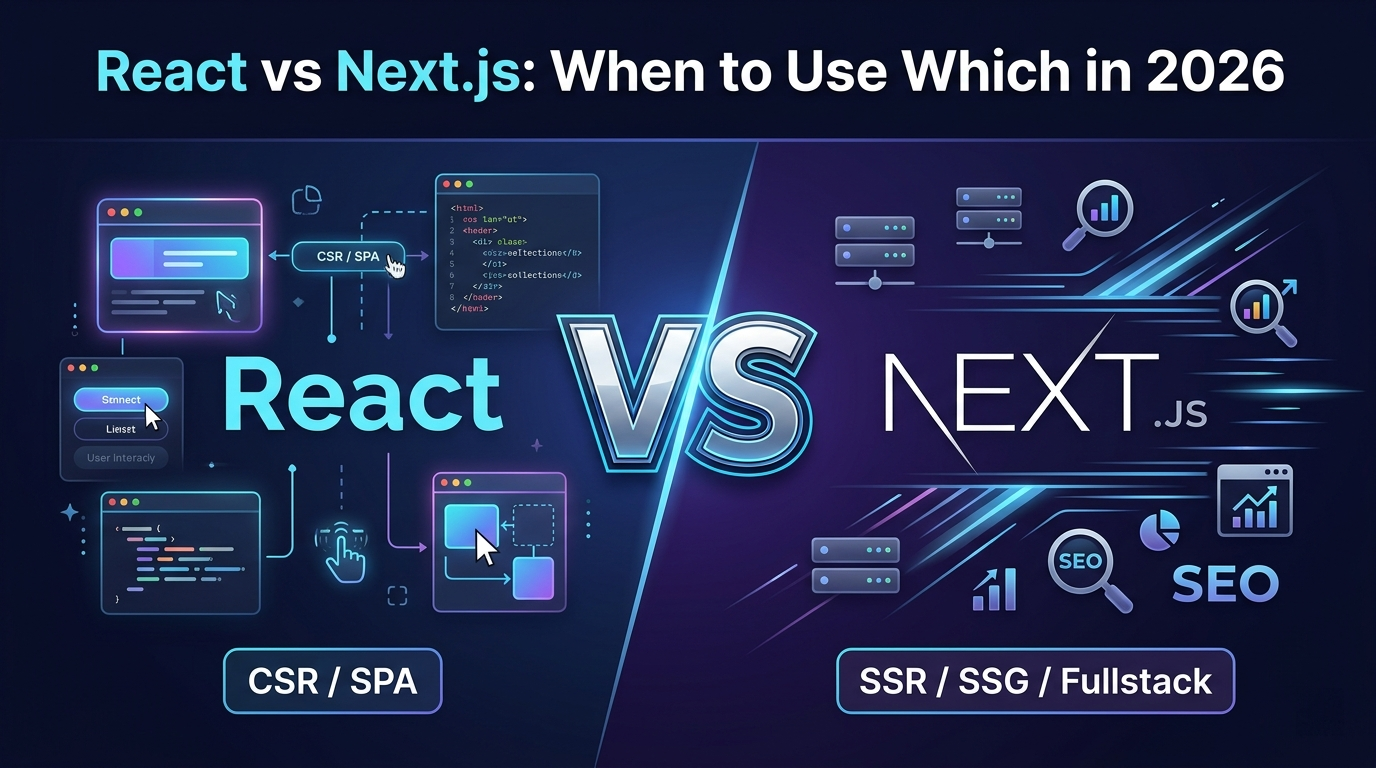
If you are starting a new frontend project in 2026, you have probably asked yourself: should I use React or Next.js? The answer is not always obvious, and choosing wrong can cost you weeks of refactoring later.
We have built production applications with both at Logic Providers - admin dashboards, e-commerce platforms, SaaS tools, and marketing sites. Here is what we have learned about when each one shines.
First, Let Us Clear Up the Confusion
React is a JavaScript library for building user interfaces. It gives you components, state management, and a virtual DOM. That is it. Everything else - routing, data fetching, server rendering - you add yourself.
Next.js is a framework built on top of React. It adds routing, server-side rendering (SSR), static site generation (SSG), API routes, image optimization, and more. You are still writing React code - Next.js just handles the infrastructure around it.
So the real question is not "React or Next.js" - it is "do I need a framework, or is the library enough?"
When to Use React (Without Next.js)
Plain React with Vite or Create React App is the right choice when:
1. You Are Building an Admin Dashboard or Internal Tool
If your app lives behind a login screen and does not need to be indexed by Google, you do not need SSR or SSG. A client-side React app with Vite is faster to set up, simpler to deploy, and has fewer moving parts.
At Logic Providers, we built the ARCC messaging platform and Seoul Spice restaurant management dashboard as pure React apps with Redux Toolkit. These are internal tools - no SEO needed, no public pages, just fast interactive UIs.
2. You Are Building a Single Page Application (SPA)
Apps like project management tools, CRM dashboards, analytics panels, or chat applications are SPAs by nature. The entire app loads once, and navigation happens client-side. React with React Router handles this perfectly.
3. You Want Maximum Flexibility
With plain React, you choose your own router, your own data fetching strategy, your own build tool. There are no framework opinions to work around. If you have strong preferences about your stack, React gives you full control.
4. Your Team Already Has a Backend
If you have a separate backend in Laravel, Node.js, Django, or Rails, your React app just consumes APIs. You do not need Next.js API routes or server components because your backend already handles that.
When to Use Next.js
Next.js becomes the better choice when:
1. SEO Matters
This is the biggest reason to choose Next.js. If your pages need to rank on Google - product pages, landing pages, blog posts, marketing sites - you need server-side rendering or static generation. Client-rendered React apps are notoriously bad for SEO because search crawlers see an empty HTML shell until JavaScript loads.
Next.js solves this with SSR (render on every request) and SSG (render at build time). Google sees fully rendered HTML immediately.
2. You Need Fast Initial Page Loads
Next.js automatically code-splits by route, optimizes images, prefetches links, and can serve pages from the edge with middleware. For public-facing websites where first impressions matter, Next.js delivers noticeably faster load times than a standard React SPA.
3. You Are Building a Full-Stack Application
Next.js API routes let you write backend logic alongside your frontend. For smaller projects or MVPs, this means you can skip setting up a separate backend entirely. One codebase, one deployment, one hosting bill.
4. You Want a Marketing Site + App in One
Many products need both a public marketing site (SSG for speed and SEO) and a logged-in application (client-side for interactivity). Next.js handles both in a single project. Static pages for pricing and docs, dynamic pages for the dashboard.
5. You Are Building an E-Commerce Store
Product pages need SEO. Category pages need fast filtering. Cart and checkout need interactivity. Next.js handles all three rendering strategies in one app. This is why platforms like Shopify and Vercel push Next.js for commerce.
Real-World Decision Framework
| Project Type | Use React | Use Next.js |
| Admin dashboard | Yes | No |
| Internal tool behind login | Yes | No |
| Marketing website | No | Yes |
| E-commerce store | No | Yes |
| Blog or content site | No | Yes |
| SaaS with public pages + app | Maybe | Yes |
| Mobile app (React Native) | Yes | No |
| MVP / prototype | Depends | Yes (faster setup) |
| Chat / real-time app | Yes | Overkill |
Performance Comparison
Build Time
React with Vite builds in seconds. Next.js builds are slower because it pre-renders pages, generates static assets, and optimizes images. For a 50-page site, expect Next.js builds to take 30-60 seconds vs under 5 seconds for Vite.
Runtime Performance
Next.js wins for initial page load (HTML is ready before JavaScript runs). React SPAs win for subsequent navigation (everything is already loaded client-side). For apps where users spend long sessions clicking around, the SPA model feels snappier.
Bundle Size
Next.js adds framework overhead (~80-100KB). For simple apps, this matters. For complex apps with lots of dependencies, the difference becomes negligible. Next.js automatic code-splitting can actually result in smaller per-page bundles.
Common Mistakes We See
Using Next.js for Everything
We have seen teams build admin panels in Next.js, then struggle with SSR complexity for pages that never needed it. If nobody outside your company will ever see the page, SSR is wasted complexity.
Using React for Public Websites
We have also seen client-rendered React sites with terrible SEO, slow first paint, and blank screens for users on slow connections. If the page needs to rank or load fast for first-time visitors, React alone is not enough.
Ignoring the App Router
Next.js 13+ introduced the App Router with React Server Components. Many developers still use the Pages Router out of habit. The App Router is the future - it gives you better data fetching patterns, layouts, and streaming. If you are starting a new Next.js project in 2026, use the App Router.
Our Stack at Logic Providers
Here is what we use in practice:
- Client dashboards and admin panels: React + Vite + Redux Toolkit + TypeScript
- Marketing and corporate websites: Next.js with SSG or plain PHP with Tailwind CSS
- E-commerce platforms: Next.js for the storefront, React for the admin panel
- Internal tools: React + Vite (simplest possible setup)
- SaaS products: Next.js App Router with a mix of server and client components
The Bottom Line
There is no universal answer. The right choice depends on who sees your app and what it needs to do:
- Public-facing, SEO-critical, or content-heavy? Use Next.js.
- Internal, behind a login, or purely interactive? Use React with Vite.
- Not sure? Start with Next.js. It is easier to strip away features you do not need than to add SSR to a React SPA later.
Both are excellent tools. The skill is knowing which one fits the job.