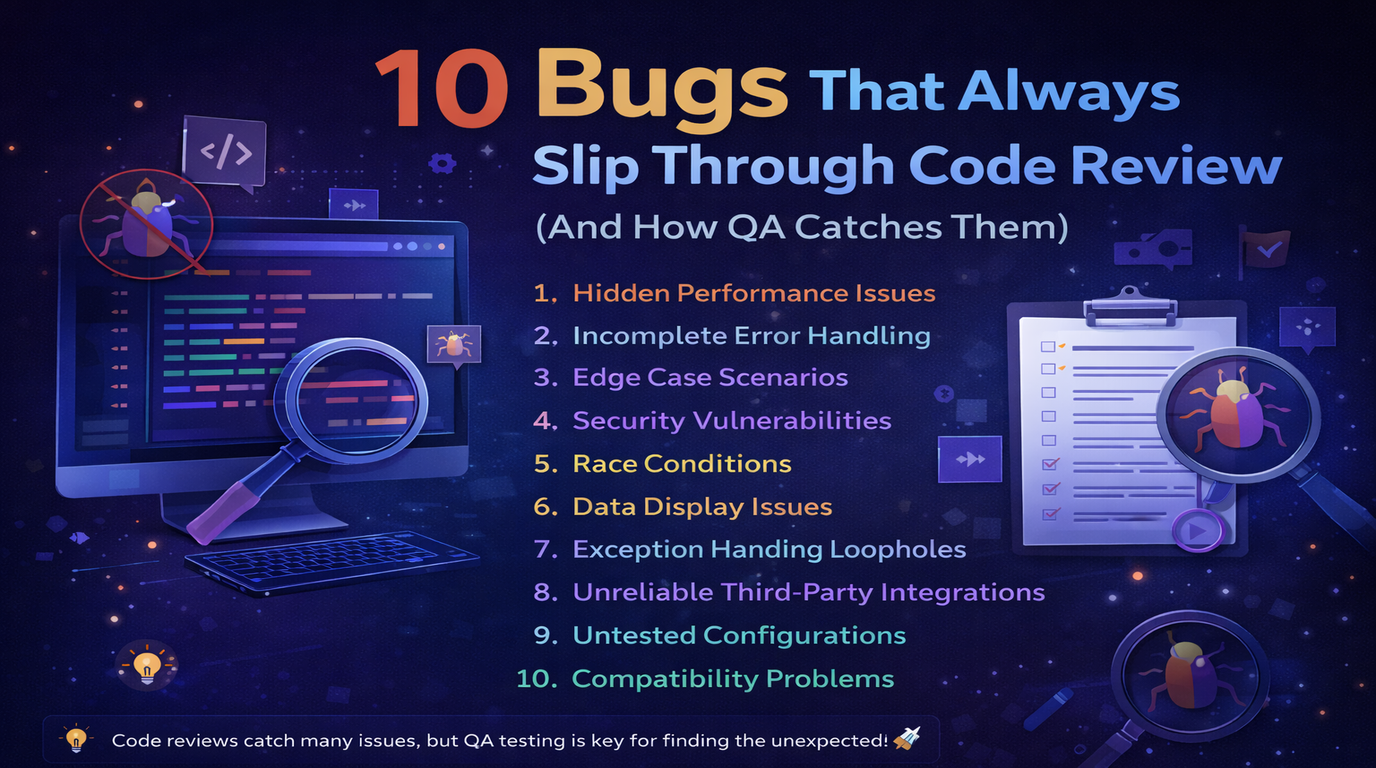
Code review is essential. It catches logic errors, enforces coding standards, and shares knowledge across the team. But there is a category of bugs that look perfectly fine in a diff view and only break when the application actually runs.
After a year of QA testing at Logic Providers across e-commerce platforms, subscription systems, and SaaS dashboards, these are the 10 bugs I see escape code review most often.
1. Race Conditions in Payment Processing
What happens: A user double-clicks the "Pay Now" button and gets charged twice. Or two concurrent API requests create duplicate orders.
Why code review misses it: The code for processing a single payment looks correct. The bug only appears when two requests hit the server within milliseconds of each other.
How QA catches it: Rapid-click testing on submit buttons. Testing with slow network throttling where users impatiently click again. Checking the database for duplicate records after each payment test.
2. Timezone Bugs in Date Displays
What happens: An order placed at 11 PM on March 15 shows as March 16 in the admin panel. Scheduled emails go out at the wrong time. Subscription renewals trigger on the wrong day.
Why code review misses it: The date formatting code looks correct. The bug is in the timezone conversion between server (UTC), database, and client browser.
How QA catches it: Testing with the browser timezone set to different regions. Comparing dates between the user-facing app and admin dashboard. Creating orders near midnight and checking the displayed date.
3. Empty State Crashes
What happens: A new user signs up and sees a blank page, a JavaScript error, or a "Cannot read property of undefined" crash because the dashboard assumes data exists.
Why code review misses it: Developers always test with seeded data. The code works fine when there are orders, products, and notifications to display.
How QA catches it: Testing every page with a fresh account that has zero data. Checking what happens when lists are empty, when the cart is empty, when there are no search results.
4. Browser-Specific CSS Breaks
What happens: A modal is perfectly centered in Chrome but overlaps the header in Safari. A flex layout wraps incorrectly on Firefox. A date picker does not open on mobile Safari.
Why code review misses it: CSS looks syntactically correct. Browser rendering differences are invisible in a code diff.
How QA catches it: Cross-browser testing on Chrome, Firefox, Safari, and Edge. Testing on actual mobile devices (not just browser dev tools). Checking responsive layouts at common breakpoints.
5. Form Validation Bypasses
What happens: Client-side validation prevents submitting an invalid email, but the API endpoint accepts it directly. A required field is validated on the frontend but not in the backend, allowing empty submissions via Postman or curl.
Why code review misses it: Frontend validation looks thorough. The backend validation is in a different file or service, and reviewers do not always cross-reference both.
How QA catches it: Submitting forms with browser validation disabled. Testing API endpoints directly with Postman using invalid, missing, and edge-case data. Pasting special characters, SQL injection patterns, and extremely long strings.
6. Pagination Off-by-One Errors
What happens: Page 1 and page 2 both show the same last item. The total count says 50 items but only 49 are reachable. The last page shows an empty list.
Why code review misses it: Pagination logic with LIMIT and OFFSET looks correct at a glance. The off-by-one error is subtle and depends on the total record count.
How QA catches it: Creating exactly 10, 11, 20, and 21 records (boundary values for page size of 10). Clicking through every page and counting items. Checking that the first item on page 2 is not the last item on page 1.
7. Cached Data Showing Stale Information
What happens: A user updates their profile but the old name still shows in the header. A product price is changed in the admin panel but the storefront shows the old price for hours.
Why code review misses it: The caching implementation looks correct. Cache invalidation timing is not visible in a diff.
How QA catches it: Updating data and immediately checking all places it appears. Testing the update-then-view flow without refreshing. Checking CDN-cached pages after content changes.
8. Email Template Rendering Issues
What happens: The order confirmation email looks perfect in the code but renders broken in Gmail, Outlook, or Apple Mail. Dynamic variables show as blank or as raw template tags.
Why code review misses it: HTML email markup looks correct. Email clients have wildly different rendering engines that cannot be predicted from code alone.
How QA catches it: Triggering every transactional email and checking it in Gmail, Outlook, and Apple Mail. Verifying all dynamic fields (name, order number, total, links) are populated correctly. Testing with long names and special characters.
9. Permission Escalation Gaps
What happens: A regular user cannot see the "Delete User" button in the UI, but they can hit the DELETE /api/users/123 endpoint directly and it works. The frontend hides features, but the backend does not enforce permissions.
Why code review misses it: The reviewer sees role checks in the UI code and assumes the backend has matching checks. Or the backend middleware is applied to some routes but missed on the new endpoint.
How QA catches it: Testing every API endpoint with different user roles using Postman. Trying to access admin-only features with a regular user token. Checking that 403 responses are returned, not just hidden UI elements.
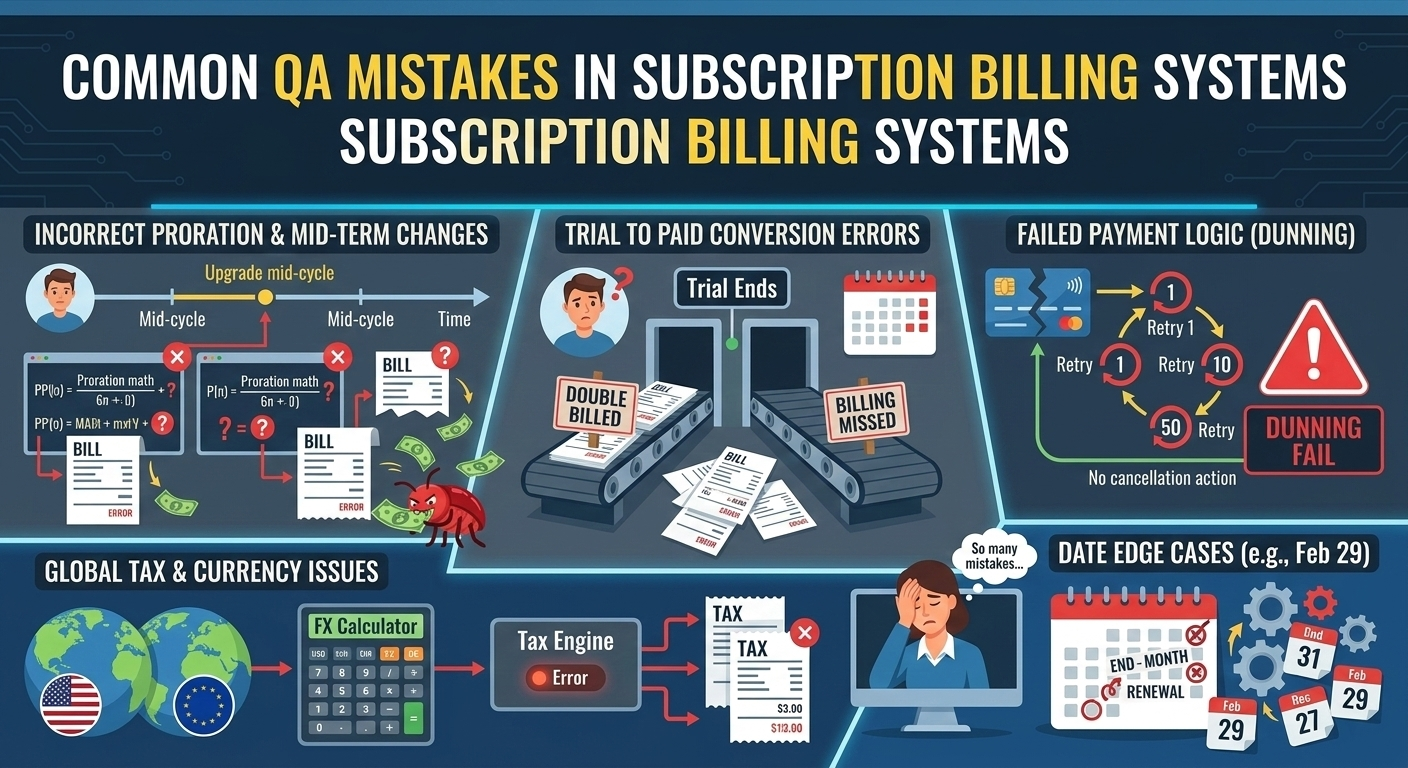
10. Subscription Billing Edge Cases
What happens: A user downgrades their plan mid-cycle and gets charged the old price. A cancelled subscription still processes a renewal. A user with an expired card has their subscription silently fail without notification.
Why code review misses it: The happy path (new subscription, successful payment) works. Edge cases around cancellations, upgrades, downgrades, and payment failures involve complex state transitions that look correct in isolation.
How QA catches it: Testing the full lifecycle: subscribe, upgrade, downgrade, cancel, resubscribe. Simulating failed payments with test card numbers. Checking that invoices, emails, and access permissions all update correctly at each state change.
The Pattern: Why These Bugs Escape
Every bug on this list shares two traits:
- The code looks correct in isolation. Each function does what it says. The bug is in how pieces interact - timing, state, environment, or user behavior.
- It requires running the application to find. You cannot see a race condition, a timezone mismatch, or a rendering difference in a code diff. You need to click, submit, scroll, and use the app like a real user.
This is exactly why QA testing exists alongside code review. They catch different categories of bugs. Code review catches logic errors, bad patterns, and security flaws in the code. QA catches integration issues, UX problems, and edge cases that only surface during real usage.
How We Prevent These at Logic Providers
- Every feature gets tested with empty data, boundary values, and concurrent requests
- Cross-browser testing is part of every PR - not a release-day activity
- API endpoints are tested independently with Postman collections
- Payment and subscription features get a full lifecycle test before merge
- We maintain a regression checklist that grows every time a new bug category appears
Code review and QA are not competing processes. They are complementary layers of quality. Skip either one, and bugs will find their way to production.