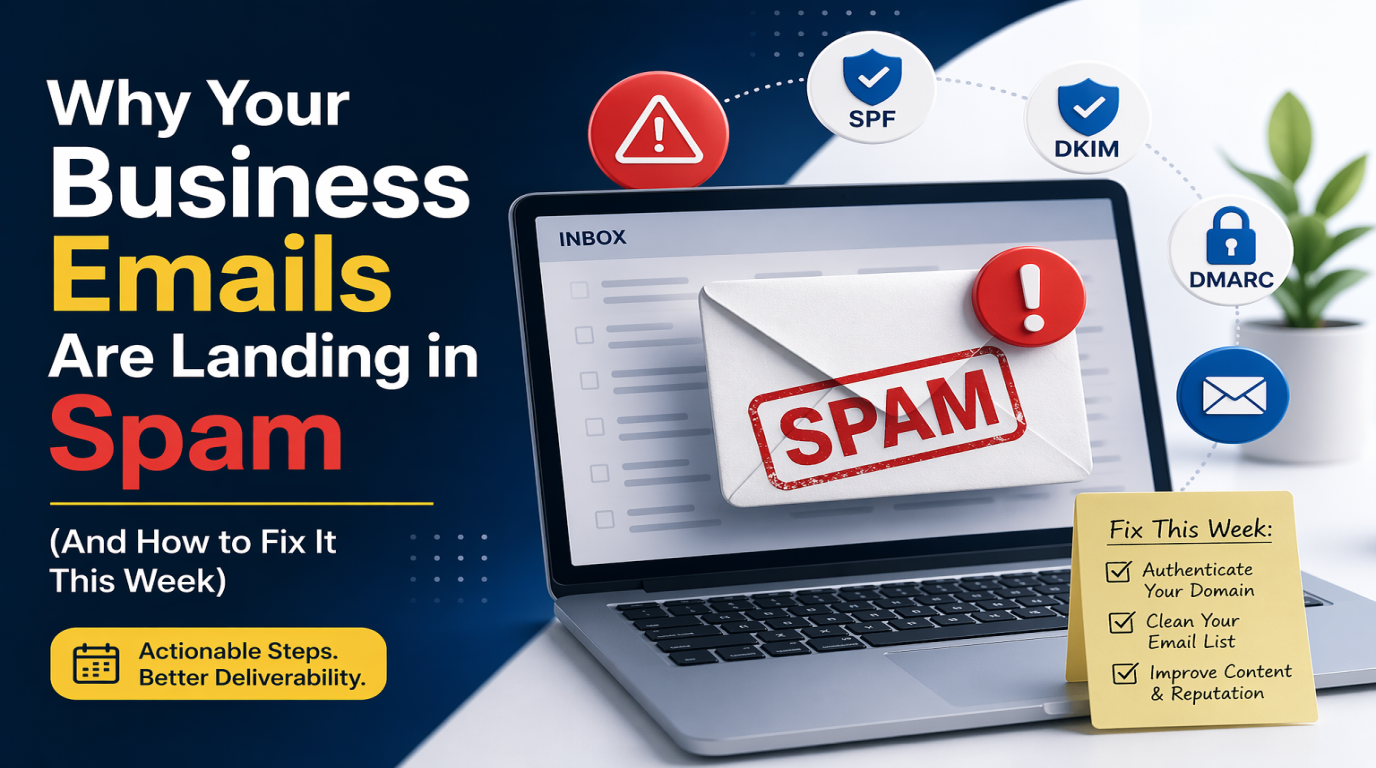
Why Your Business Emails Are Landing in Spam (And How to Fix It This Week)
You know the feeling.
You send a quote to a client. A day goes by. Then two. You follow up with a phone call and hear the words every business owner dreads: "Oh, I never got your email. Let me check my spam folder."
And sure enough, there it is. Sitting in spam. Along with your last invoice, your appointment reminder, and the proposal you spent three hours writing.
It happens to almost every small business at some point. And most owners just shrug and move on, blaming the client's email provider or a weird glitch. But here's the truth nobody tells you. If your emails are landing in spam, it's almost always something on your end. And it's costing you more business than you realize.
Let's talk about why it happens and what you can actually do about it this week.
First, Why Does This Even Happen?
Email providers like Gmail and Outlook have one job. Protect their users from junk. They get billions of spam emails a day, so they built very strict rules to decide what makes it into someone's inbox and what gets dumped in the spam folder.
The problem is, these rules are so strict that legitimate business emails get caught in the crossfire all the time. If your email setup is missing even one small technical piece, Gmail treats your message the same way it treats a Nigerian prince scam.
Harsh, but that's reality.
The good news is that most of these issues are fixable. You just need to know where to look.
The Most Common Reasons Your Emails Go to Spam
Here are the usual culprits I see over and over when business owners ask me to look into this.
Does This Apply to Custom Business Emails?
A lot of business owners assume this spam problem only affects people using Gmail or Yahoo addresses. Not true. If you're already using a custom email on your own domain, like sales@yourbusiness.ca, these rules apply to you even harder.
Here's why. Email providers expect professional domains to have professional setups. When a custom email shows up without SPF, DKIM, and DMARC properly configured, it looks more suspicious, not less. Gmail basically thinks, "This domain is pretending to be a real business but hasn't bothered with basic security. Probably a scammer." And into spam it goes.
So if you've already made the jump to a custom business email and you're still seeing your messages land in spam folders, this is almost certainly the reason. The fix is the same whether your clients use Gmail, Outlook, Apple Mail, Zoho, or their own custom domains. They all follow the same rules.
1. You're Sending From a Gmail or Yahoo Address
If your business email looks like yourbusiness@gmail.com or sales@yahoo.com, that's your first problem. Free email addresses scream "not a real business" to other email systems. Plus they lack the security settings that professional email needs.
A proper business email looks like sales@yourbusiness.ca. It uses your own domain name and it signals trust.
2. Your Domain Is Missing Its Security Records
This one is a bit technical, so stay with me.
Every domain name (the thing that comes after the @ in your email) needs three tiny settings turned on. They have funny names called SPF, DKIM, and DMARC. Don't worry about what they mean. Just know they're basically the ID card your email shows to Gmail to prove it's really from you.
If these settings are missing or wrong, Gmail looks at your email and thinks, "I can't verify who sent this, so it's probably spam." Into the junk folder it goes.
Nine out of ten spam problems I troubleshoot come down to this one thing. And most business owners have no idea it even exists.
3. You're Using Spam Trigger Words
Email filters scan every word you write. Certain words set off alarm bells. Things like "free," "guaranteed," "act now," "limited time offer," all caps, and too many exclamation points.
If your subject line reads "FREE QUOTE!!! Act Now!!!" you're basically asking to land in spam. Even if your email is legitimate.
4. Too Many Links or Attachments
One link is fine. Five links in a short email looks suspicious. Same with big attachments. Sending a 15 MB PDF? Email providers assume something shady is going on.
5. Your Sender Reputation Is Damaged
Every business that sends emails has a reputation score with email providers. If you've ever used your email to send bulk newsletters, or if an old employee used your domain to send spam, your score takes a hit.
Once your reputation drops, even your normal day to day emails start landing in spam. And rebuilding that reputation takes time.
6. You're Sending From a Shared IP
If you're on cheap hosting or using a basic email service, chances are your emails are going out from an IP address shared with hundreds of other businesses. If even one of them is a spammer, everyone on that IP gets punished. Including you.
How to Check If You Have a Problem
Before you fix anything, find out how bad it is.
The easiest test is free. Go to a website called mail-tester.com. It will give you an email address to send a message to. Within a few seconds, it gives you a score out of 10 and tells you exactly what's wrong with your email setup.
If you score below 8, you've got work to do. If you score below 5, your emails are probably landing in spam right now and you don't even know it.
Another quick check. Send yourself an email from your business address to a Gmail account you own. Did it land in the inbox or the spam folder? Try the same with Outlook and Yahoo if you have them.
How to Fix This (Most of It This Week)
Here's what you can actually do about it.
Get a Proper Business Email
If you're still on Gmail or Yahoo, stop. Sign up for Google Workspace or Microsoft 365 and set up an email on your own domain. It costs about 8 to 12 dollars per user per month. Worth every penny.
This alone can solve half of spam problems overnight.
Set Up SPF, DKIM, and DMARC
This is the big one. Those three security records we talked about earlier. If they're not set up or they're set up wrong, nothing else you do will matter much.
Setting them up involves going into your domain's DNS settings and adding a few lines of code. If that sentence made no sense to you, don't try to do it yourself. One wrong character and your email can stop working entirely. This is the kind of thing to hand off to your IT partner.
It usually takes about an hour to set up properly. And once it's done, it's done. You'll see an immediate improvement in deliverability.
Clean Up Your Email Content
Start writing emails like a human, not a marketer. Skip the all caps subject lines. Cut the exclamation points. Don't use words like free, winner, or guaranteed in subject lines. Keep links to a minimum and avoid giant attachments. If you need to send a big file, upload it to Google Drive or Dropbox and share the link.
Stop Sending Bulk Emails From Your Business Email
If you're sending newsletters or marketing blasts, please don't use your normal business email. Use a service built for it like Mailchimp, Brevo, or ConvertKit. These services have proper setups to handle bulk sending without trashing your reputation.
Sending a monthly newsletter to 500 people from sales@yourbusiness.ca is one of the fastest ways to end up in everyone's spam folder forever.
Warm Up Your Domain If It's New
If you just got a new domain or new email, don't send hundreds of emails on day one. Email providers will think you're a spam operation. Start slow. A few emails a day for the first week. Then slowly scale up over a month.
Ask Important Clients to Whitelist You
For your most important clients, send them a quick note asking them to add your email address to their contacts. This tells Gmail and Outlook that you're a trusted sender to them. Future emails from you will sail straight to their inbox.
The Cost of Doing Nothing
Let me put this in perspective.
Say you send 200 business emails a month. Quotes, invoices, follow ups, the usual. If even 20 percent of them land in spam, that's 40 emails a month that never get read. If half of those were leading to a sale or keeping a client happy, you're losing real money every single month.
Most business owners have no idea this is happening until they finally ask a client, "Hey, did you get my email?" and realize the answer has been "No" for months.
Email is still one of the most important tools your business has. It connects you to clients, handles your quotes, sends your invoices, and builds trust. If that channel is broken, nothing else in your marketing matters.
The Bottom Line
Most email deliverability problems come down to a handful of small technical issues that anyone with the right knowledge can fix in a few hours. Once it's done, you'll notice the difference almost right away. Fewer "I didn't get your email" calls. Faster replies from clients. More quotes turning into real business.
Run that mail tester check today. See what your score is. If it's low, you finally know why that last proposal went nowhere.
And if this all sounds like too much to tackle on your own, that's completely fair. Email setup is one of those things that's quick if you know what you're doing and a nightmare if you don't.
At Logic Providers, we help business owners sort out the technical side of email so your messages actually reach the people they're meant for. If you suspect your emails aren't landing where they should, we're happy to run a quick deliverability check for you. No tech speak, just honest answers.