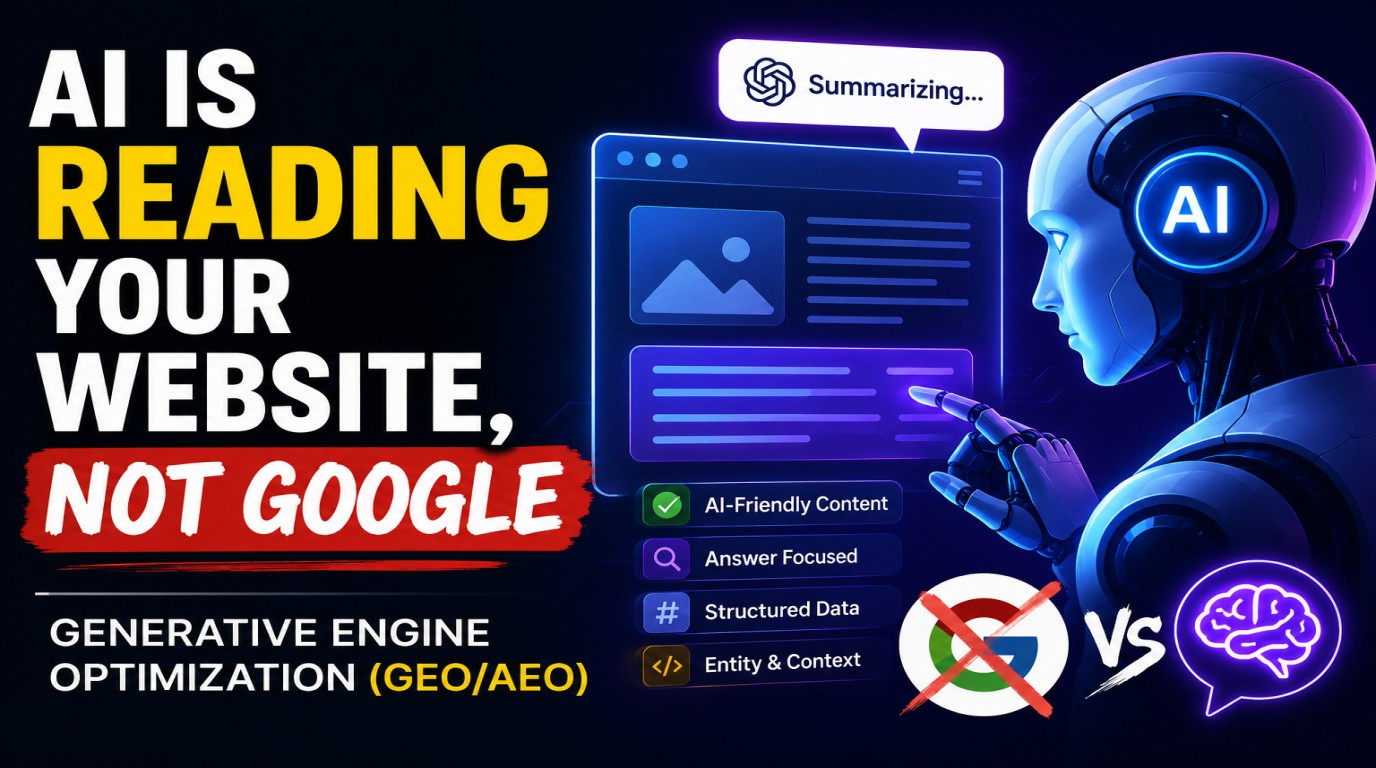
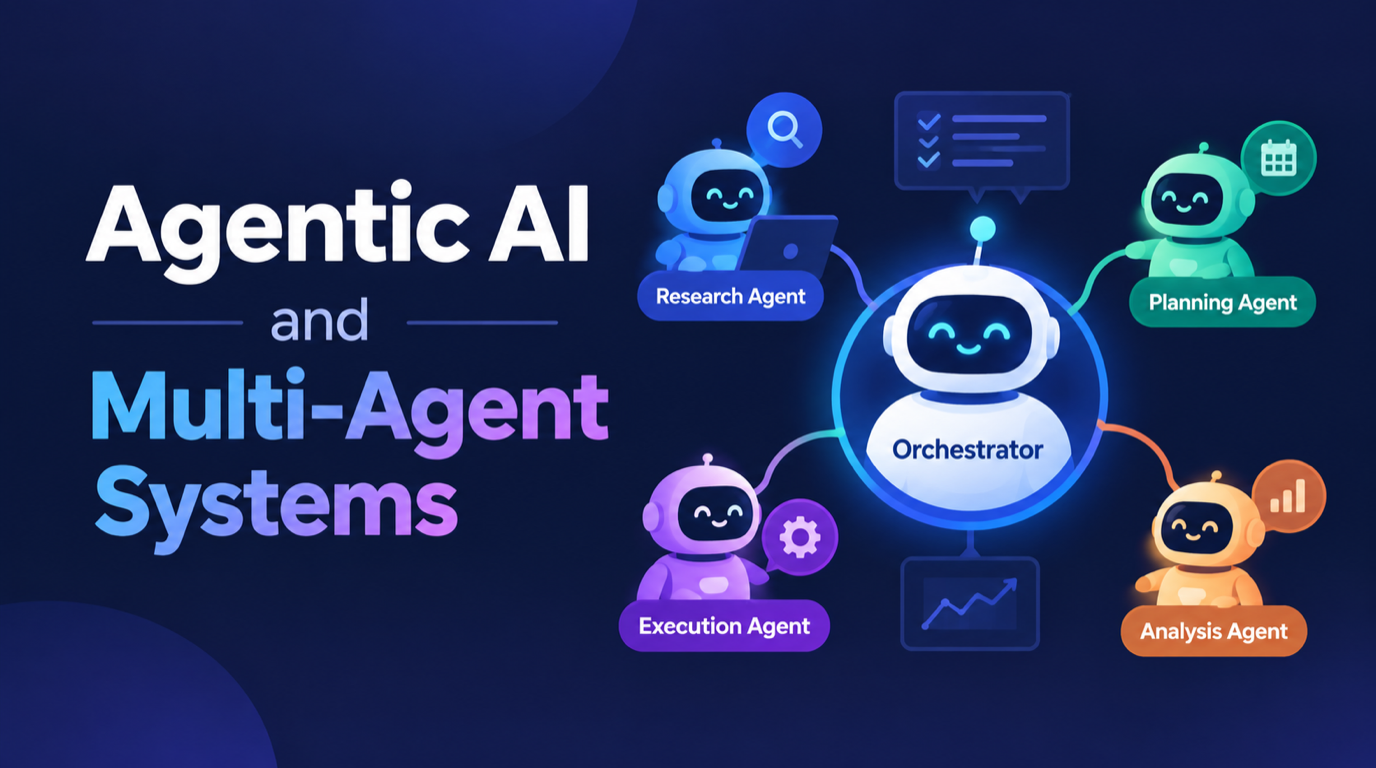
For twenty years we built websites for people. We argued about hero images, button colours and where the pricing table should sit, because a human being was going to look at it and decide. That assumption is now only partly true. A meaningful and growing share of the visitors hitting your site are AI browser agents: software acting on behalf of a person, reading your pages, filling your forms and making decisions before the human ever sees a pixel.
The uncomfortable part is that most websites fail these agents badly, and nobody finds out. The agent does not bounce with a rage click. It does not email support. It quietly gives up, tells the user it could not find the pricing, and recommends a competitor whose site it could actually read.
This article covers what these agents actually are, the five specific things that break them, how to test your own site this afternoon without any special tooling, and what to fix in what order.
What an AI Browser Agent Actually Is
The term covers a few different things, and the distinction matters because they fail differently.
Agent-driven browsers. A user asks an assistant to do something, and the assistant drives a real browser. It renders your page, reads the accessibility tree, clicks buttons, scrolls, and fills in forms. It behaves like a user with no patience and no pattern recognition.
Fetch-and-read agents. The assistant does not render anything. It requests the URL, gets the raw HTML back, and reads whatever text is there. If your content only appears after JavaScript executes, this agent sees an empty shell.
Answer-engine crawlers. These index your content ahead of time so an assistant can cite you later without visiting at all. We covered how to write for these in our guide to Generative Engine Optimization.
Tool-connected agents. Rather than reading your website, these connect directly to a structured interface you expose. This is the world of Model Context Protocol, and it is where the most capable integrations are heading.
Most businesses are only thinking about the third category, because it looks like SEO and SEO is familiar. The first two are the ones actively costing you conversions right now.
The Five Things That Break Agents
1. Content that only exists after JavaScript runs
This is the single biggest failure and the easiest to miss. Your pricing page looks perfect in Chrome. But a fetch-and-read agent pulls the raw HTML, finds a div with an app root and nothing else, and concludes you have no pricing information.
Test it in one command:
curl -s https://yoursite.com/pricing | grep -i "price\|plan\|month"If that returns nothing useful, a large class of agents cannot read your pricing. The fix is server-side rendering or static generation for anything that matters commercially: pricing, service descriptions, contact details, availability, opening hours.
2. Interaction walls
Cookie banners, newsletter modals, age gates, region selectors and chat widgets that grab focus. A human learns to dismiss these in half a second. An agent driving a browser hits a full-screen overlay, cannot find a labelled dismiss control, and stalls.
The specific failure is usually a close button that looks like this:
<div class="modal-close" onclick="closeModal()"></div>There is no text, no role, no accessible name. The agent sees an unlabelled div. Compare it to this:
<button type="button" aria-label="Close cookie notice">Close</button>Same visual result, completely different machine readability.
3. Buttons and links with no meaningful name
Icon-only buttons, links that say "Click here", "Learn more" and "Read more" repeated eleven times on one page, and form fields whose only label is a placeholder that disappears the moment you type in it. Every one of these is a guess the agent has to make, and each guess is a chance to do the wrong thing.
The pattern is simple: if you removed all the CSS and images from your page, could someone still work out what each control does? That is roughly what the agent sees.
4. No structured data on the pages that matter
Structured data is the difference between an agent inferring your price from a paragraph and knowing it. For a services business the high-value schemas are Organization, Service, FAQPage and BreadcrumbList. If you sell products, Product with Offer is non-negotiable.
Your site already has the infrastructure for this in the way page metadata is rendered, so the work is usually filling gaps rather than building something new.
5. Blanket bot blocking
A lot of sites turned on aggressive bot protection over the last two years and never revisited the rules. The result is that a legitimate agent acting for a real prospective customer gets a 403 while your competitor returns a clean page. You have effectively removed yourself from consideration for that buyer.
How to Test Your Own Site This Afternoon
You do not need a tool or a budget for this. Four checks, roughly thirty minutes.
Check one: the raw HTML test. Run curl against your five most commercially important pages and read what comes back. Home, pricing or services, contact, one case study, one industry page. If the substance is missing, that is your first fix.
Check two: the no-CSS test. Open your site and disable stylesheets in developer tools. Read the page top to bottom. If the reading order is scrambled or controls become unidentifiable, agents are working with the same mess.
Check three: the keyboard test. Tab through a full journey from landing page to submitted contact form without touching the mouse. Anywhere you get stuck or cannot tell what is focused is somewhere an agent will get stuck too. This overlaps almost perfectly with accessibility work, which is the happy part of this whole topic.
Check four: give an assistant a real task. Ask one to find your pricing for a specific service, or to tell you what industries you serve, and watch what it reports back. The failures are usually obvious and specific.
The Decision Nobody Is Making Deliberately
There is a strategic question underneath the technical one: do you want agents on your site at all?
For most service businesses the answer is clearly yes. An agent researching on behalf of a buyer is a qualified lead doing your qualification work for free. You want it to find your services, understand your pricing model, and be able to tell its user exactly how to contact you.
For some businesses the answer is more nuanced. If your content is your product, or if agent traffic is genuinely consuming expensive resources, then rate limiting and selective access are reasonable. What is not reasonable is having that decision made by default, three years ago, by a security plugin nobody has looked at since.
Write the policy down. Decide which agents you welcome, which paths they can reach, and what you want them to come away knowing. Then make your robots rules reflect that decision rather than an accident.
What to Fix First
| Priority | Fix | Effort |
| 1 | Server-render pricing, services and contact content | Medium to high |
| 2 | Review bot blocking rules and write an explicit policy | Low |
| 3 | Give every button, link and form field a real accessible name | Low |
| 4 | Add Organization, Service and FAQPage structured data | Low to medium |
| 5 | Make modals and banners dismissible by a labelled button | Low |
| 6 | Publish contact and next-step information as plain text | Low |
That last one deserves a note. If the only way to reach you is a JavaScript form behind a bot check, an agent cannot tell its user how to contact you. Put a real email address and phone number in the HTML. We made a related argument in our piece on the death of the contact form.
The Bottom Line
None of this is exotic. Semantic HTML, server-rendered content, structured data, labelled controls and a deliberate robots policy are things good engineering teams were already supposed to be doing. What has changed is the cost of not doing them. Sloppy markup used to mean a slightly worse experience for screen reader users and a small SEO penalty. Now it means an entire category of buyer, arriving through an agent, cannot evaluate you at all.
The businesses that treat agents as a first-class audience over the next eighteen months will find they were mostly just doing accessibility and performance work properly. The ones that do not will watch their conversion rate drift downward with no obvious cause, because the visitors they are losing never showed up in the analytics as frustrated. They simply moved on.
Key takeaway: Agents do not complain, they just leave. If your important content only exists after JavaScript runs, or your controls have no accessible names, a growing share of your buyers are being told by their assistant that a competitor is the better option.
At Logic Providers we build and audit sites with both audiences in mind, human and machine. If you want a review of how your site behaves for AI agents, covering rendering, structured data, accessible controls and bot policy, our web development and AI integration teams are happy to take a look.