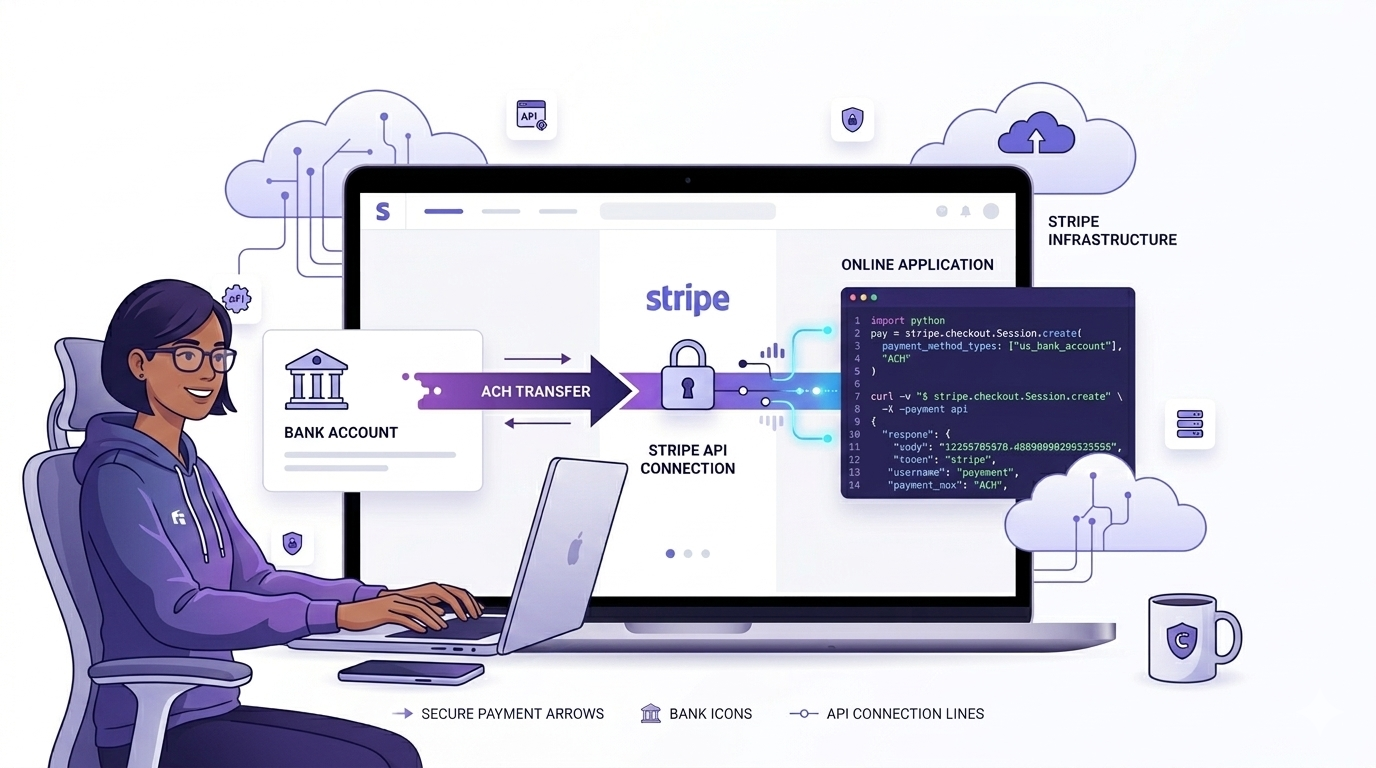
Most businesses still find out about payment failures, order cancellations, or subscription changes hours - sometimes days - after they happen. Teams are manually checking dashboards, running scheduled jobs, or worse, waiting for a customer complaint to know something went wrong.
Webhooks fix this. They let external services notify your system the moment something happens, so your business can respond immediately - no polling, no delays, no manual work.
This guide walks through what webhooks are, how they work, and how to use them to automate real business processes.
What Even is a Webhook?
A webhook is just an HTTP POST request that a service sends to your server when an event happens. You give the service a URL, tell it which events you care about, and it calls that URL automatically every time one of those events fires.
The simplest analogy: instead of you calling the bank every hour to ask "did the payment go through?", the bank calls you the moment it does.
This shift - from your system constantly asking for updates to external systems pushing updates to you - is what makes webhooks powerful. It's the difference between polling and event-driven architecture.
A Real Example: Stripe ACH Payments
ACH bank transfers are one of the most common payment methods for B2B businesses and SaaS platforms. Unlike card payments that process instantly, ACH transfers take 2-3 business days to actually settle.
This creates a gap: you've accepted a payment, but you have no idea whether it actually went through until days later.
The Problem Without Webhooks
Say a customer pays via ACH on Monday. Your system marks the order as paid and ships the goods. By Wednesday, the transfer fails - wrong bank account, insufficient funds. You've already fulfilled the order, and now you're chasing a refund manually.
Without automation, your options are bad: check the Stripe dashboard every day, write a cron job that hits the Stripe API on a schedule, or wait for the customer to complain.
How Webhooks Solve It
You register a webhook URL in your Stripe dashboard. Stripe sends a POST request to that URL the moment the payment status changes - whether it succeeds, fails, or moves into a processing state.
Your server receives the notification, verifies it came from Stripe, and immediately updates your database, triggers emails, pauses access, or kicks off any other business logic.
A platform processing 3,000 ACH payments per month reduced payment reconciliation from a 3-hour daily task to a fully automated process running in seconds - by replacing manual checks with Stripe webhooks.
How to Set This Up
Step 1: Register the Webhook in Stripe
Go to your Stripe Dashboard → Developers → Webhooks → Add endpoint. Enter your server URL (e.g. https://yourapp.com/webhooks/stripe) and select the events you want to listen to:
- payment_intent.succeeded - payment fully settled
- payment_intent.payment_failed - transfer was rejected
- payment_intent.processing - transfer is in progress
Stripe will give you a Webhook Signing Secret. Save this - you'll need it to verify incoming requests.
Step 2: Create a Receiver Endpoint in Laravel
In your Laravel app, create a route and a controller that handles incoming webhook requests.
// routes/api.php
Route::post('/webhooks/stripe', [StripeWebhookController::class, 'handle']);

// app/Http/Controllers/StripeWebhookController.php

public function handle(Request $request)
{
    $payload = $request->getContent();
    $sig     = $request->header('Stripe-Signature');
    $secret  = config('services.stripe.webhook_secret');

    // Verify the request actually came from Stripe
    try {
        $event = \Stripe\Webhook::constructEvent($payload, $sig, $secret);
    } catch (\Exception $e) {
        return response()->json(['error' => 'Invalid signature'], 400);
    }

    // Route to the right handler
    match ($event->type) {
        'payment_intent.succeeded'      => $this->onPaymentSuccess($event->data->object),
        'payment_intent.payment_failed' => $this->onPaymentFailed($event->data->object),
        default                         => null,
    };

    return response()->json(['received' => true]);
}

private function onPaymentSuccess($paymentIntent)
{
    Payment::where('stripe_id', $paymentIntent->id)
           ->update(['status' => 'completed', 'settled_at' => now()]);

    // Trigger fulfillment, send confirmation email, etc.
}

private function onPaymentFailed($paymentIntent)
{
    Payment::where('stripe_id', $paymentIntent->id)
           ->update(['status' => 'failed']);

    // Notify finance team, pause access, start retry logic, etc.
}
Step 3: Handle Duplicate Events
Stripe may send the same event more than once if your server was slow to respond or briefly unavailable. Your handler should check whether you've already processed an event before acting on it.
// Store processed event IDs in a webhook_events table
if (WebhookEvent::where('stripe_event_id', $event->id)->exists()) {
    return response()->json(['received' => true]); // Already handled
}

WebhookEvent::create(['stripe_event_id' => $event->id, 'type' => $event->type]);
Always respond with HTTP 200 as quickly as possible - within 30 seconds or Stripe will retry. If your processing logic is heavy, push the work to a queued job and return immediately.
What to Watch Out For
A few things that catch teams off guard when running webhooks in production:
Your server might miss events. Deployments, crashes, or maintenance windows mean Stripe may fire a webhook when you're not listening. Build a fallback: a daily job that queries Stripe's API for any payments that are still in a pending state in your database.
Never skip signature verification. Without it, anyone can POST a fake "payment succeeded" payload to your endpoint and trigger fulfillment without paying. Always use Stripe's constructEvent() method.
Keep your handler fast. Don't run heavy database queries or external API calls directly inside the webhook handler. Acknowledge the event immediately and dispatch a queued job for the actual processing.
The Bigger Picture
Stripe ACH is just one example. The same pattern applies anywhere an external system needs to notify yours: Shopify order events, GitHub push events, HubSpot CRM changes, Twilio SMS delivery receipts.
Once you have a reliable webhook receiver in place, automating these processes becomes a matter of adding new event handlers - not building new polling infrastructure.
The goal is simple: your system should know what happened the moment it happens, and respond automatically. Webhooks are how you get there.
If you're building payment workflows, automated notifications, or real-time data sync between systems - reach out. We help teams design webhook architectures that actually hold up in production.