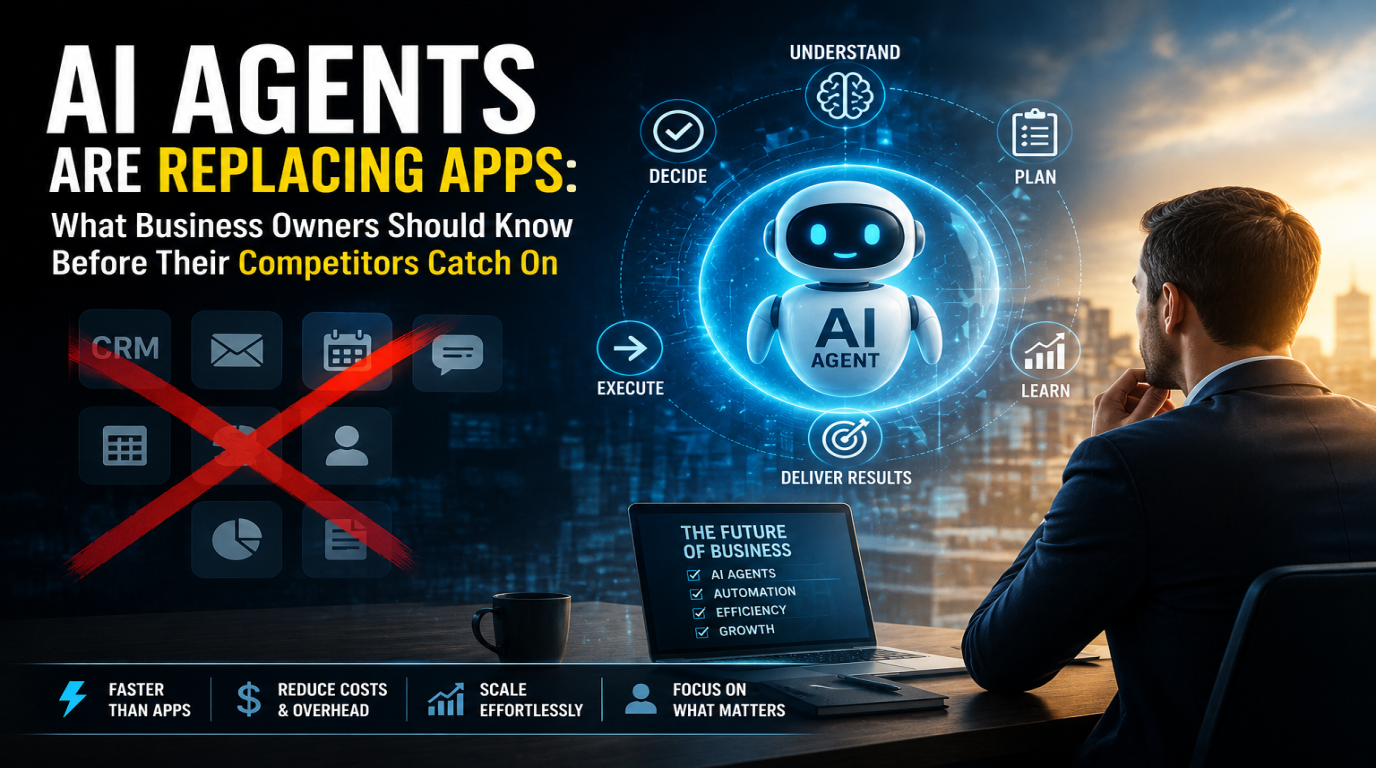
Not long ago, an "AI assistant" meant a voice interface that set timers and played music. In 2026, the term covers something far more consequential: software that can draft a client proposal, summarise a two-hour meeting, triage an overflowing inbox, analyse a sales report, and write the first version of a Python script - all before your morning coffee is finished.
The change is not subtle. It is structural. Businesses that have integrated AI assistants into their daily workflows are reporting measurable gains in output per employee, faster decision cycles, and significantly lower time spent on low-value work. This post breaks down exactly how that is happening, what it looks like in practice, and what teams need to understand to use it well.
The Old Model: Humans as Routers
In a traditional business workflow, a large portion of human effort goes not into creative or strategic work but into routing information. Reading an email and deciding who should handle it. Attending a meeting and then writing a summary. Collecting data from three tools and formatting it into a report. These tasks require context, but they do not require deep judgment.
That is the gap AI assistants are filling. They are exceptionally good at information routing tasks - tasks that require understanding context and producing structured output - but that do not require originality, accountability, or real-world judgment.
Where AI Assistants Are Having the Most Impact
1. Meeting Intelligence
Tools like Fireflies, Otter.ai, and custom integrations with Whisper + Claude can now join any video call, transcribe it in real time, identify action items, and generate a structured summary within minutes of the call ending.
For a team running 20 meetings per week, this eliminates one of the most universally hated tasks in knowledge work: writing meeting notes. More importantly, it produces consistent, searchable, structured records - something handwritten notes almost never achieve.
The real productivity gain is not the note itself. It is the downstream elimination of follow-up messages asking "what did we decide?" or "who owns this action item?" The meeting record becomes a single source of truth, instantly.
2. Email and Communication Triage
For senior people in a business - founders, heads of departments, account managers - inbox management can consume two to three hours per day. AI assistants integrated with Gmail or Outlook can now:
- Classify incoming messages by type and urgency
- Draft replies using context from previous threads
- Flag emails that require human decision-making
- Summarise long email chains into a single paragraph
- Auto-respond to routine enquiries with templated but personalised replies
We built a custom inbox assistant for a client whose sales team was spending 40% of their day on email. After integrating a Claude-powered triage layer, they reclaimed roughly 90 minutes per person per day - with no drop in response quality. Clients noticed response times improved, not worsened.
3. Document and Report Generation
Proposals, status reports, case studies, SOPs - these documents take time not because the content is complex, but because formatting, structuring, and drafting from scratch is slow. AI assistants change the starting point.
Instead of opening a blank document, a team member now provides three bullet points and a previous example. The AI produces a full first draft in under a minute. The human edits, refines, and approves. What used to take three hours takes forty minutes.
This is not just faster - it is more consistent. When the AI is trained on your company's style and previous documents, the output already matches your tone, structure, and formatting standards from the first draft.
4. Data Analysis and Reporting
Business intelligence used to require either a dedicated analyst or several hours in Excel. AI assistants with code execution capabilities - ChatGPT's Code Interpreter, Claude's analysis mode, or custom Python agents - can now accept a raw CSV file and produce a clear narrative report with charts in minutes.
"Here are our sales figures for Q1. Compare performance by region, flag underperforming products, and suggest three priorities for Q2." That prompt, given to a capable AI assistant with your data, produces a first-draft board report in under five minutes.
5. Developer and Technical Productivity
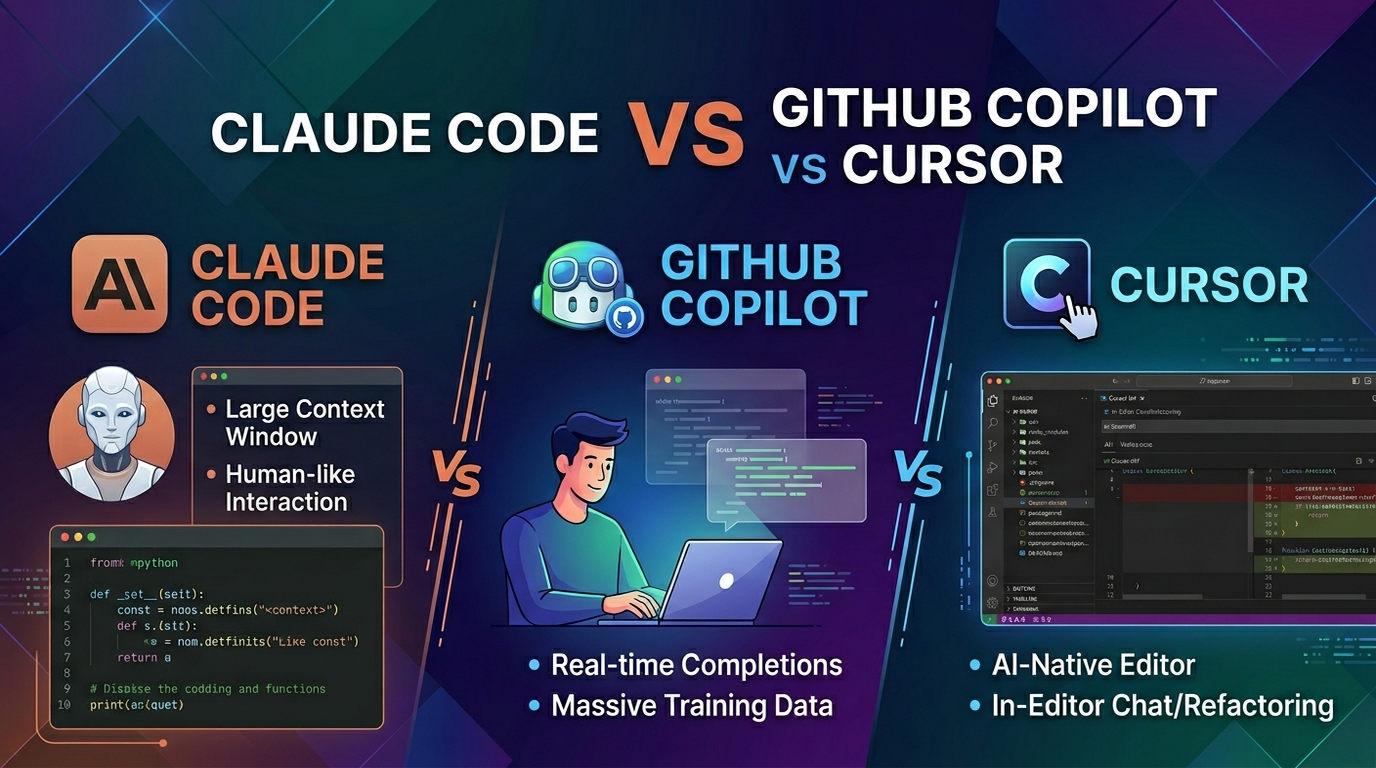
This is where AI assistance has arguably had the fastest adoption. Tools like GitHub Copilot, Cursor, and Claude Code have changed the economics of software development. Developers are writing 30-50% more code per day, not because they are working harder but because they are spending less time on boilerplate, documentation, and debugging syntax errors.
More importantly, junior developers are producing work that previously required senior oversight. The AI acts as a knowledgeable pair programmer that never gets tired and does not charge by the hour.
What the Productivity Numbers Actually Look Like
Based on implementations we have built and published research from companies like McKinsey, Accenture, and MIT, here are realistic productivity ranges for businesses that have properly integrated AI assistants:
- Email management: 60-90 minutes saved per person per day for high-volume roles
- Document creation: 50-70% reduction in first-draft time
- Meeting follow-up: 80-100% of manual note-taking eliminated
- Data reporting: Reports that took half a day now take 30-45 minutes
- Software development: 30-50% increase in code output per developer
These are not marginal gains. At a team of 20 people, even a conservative 60 minutes saved per person per day is 400+ hours of recovered capacity per month. That is ten full-time work weeks per month available for higher-value work.
The Risks Businesses Are Not Talking About Enough
Quality Drift
When AI generates the first draft of everything, there is a risk that outputs start to look and sound the same. Clients notice when proposals feel template-generated. Employees notice when internal communication loses human nuance. The AI does not replace editorial judgment - it requires more of it, not less.
Over-Reliance Without Verification
AI assistants hallucinate. They produce plausible-sounding information that is factually wrong. For any output that involves numbers, dates, legal language, or external claims, a human must verify before the content leaves the building. Teams that skip this step will eventually send a client a proposal with wrong pricing or a report with fabricated statistics.
Data Privacy
Feeding sensitive client data, unreleased financial projections, or employee information into a public AI assistant is a risk that many teams are taking without fully understanding the implications. For business-critical data, either use private AI deployments (self-hosted models, enterprise API tiers with data isolation) or establish clear policies about what can and cannot be processed externally.
Skill Atrophy
If junior team members never learn to write a proposal from scratch because AI always does it, the organisation accumulates a hidden skills gap. This matters when the AI is wrong and no one can recognise it. Businesses should treat AI as a productivity multiplier for existing skills, not a replacement for developing those skills in the first place.
How to Actually Implement This Well
Most businesses that fail to get value from AI assistants make the same mistake: they deploy a general tool and expect general results. The businesses seeing the biggest gains are taking a different approach:
- Identify the highest-friction tasks first. Ask every team member: what task do you do repeatedly that makes you think there must be a better way? That list is your implementation roadmap.
- Build task-specific assistants, not general ones. An AI assistant trained on your past proposals, your pricing structure, and your clients industries will produce dramatically better output than a generic prompt to ChatGPT.
- Establish human review checkpoints. Every AI output that goes to a client or becomes a business record should have a defined human review step. Build this into the workflow, not as an afterthought.
- Measure before and after. Pick two or three tasks, measure the time they currently take, deploy AI assistance, and measure again after 30 days. Data beats intuition when it comes to justifying continued investment.
- Train the team on prompting, not just the tool. The quality of AI output is directly proportional to the quality of the input. Teams that invest even two hours in prompt engineering training see dramatically better results than teams that just install a tool and leave.
Where This Is Heading
The current generation of AI assistants is impressive, but it is also the worst it will ever be. Models are improving rapidly. Context windows are expanding - meaning an AI can now read your entire company knowledge base before answering a question. Multi-agent systems are emerging where specialised AI agents collaborate on complex tasks the way a human team would.
Within two to three years, the businesses that have been building AI-augmented workflows now will have a compounding advantage over those that waited. The learning is not just in the tools - it is in the organisational habits, the data infrastructure, and the human judgment that develops from working alongside AI every day.
The productivity shift is not coming. For the businesses paying attention, it is already here.
Looking to integrate AI assistants into your business workflows? At Logic Providers, we build custom AI integrations - from inbox automation and document generation to meeting intelligence and reporting pipelines. If you want to move faster without hiring more people, we can help you figure out where to start.