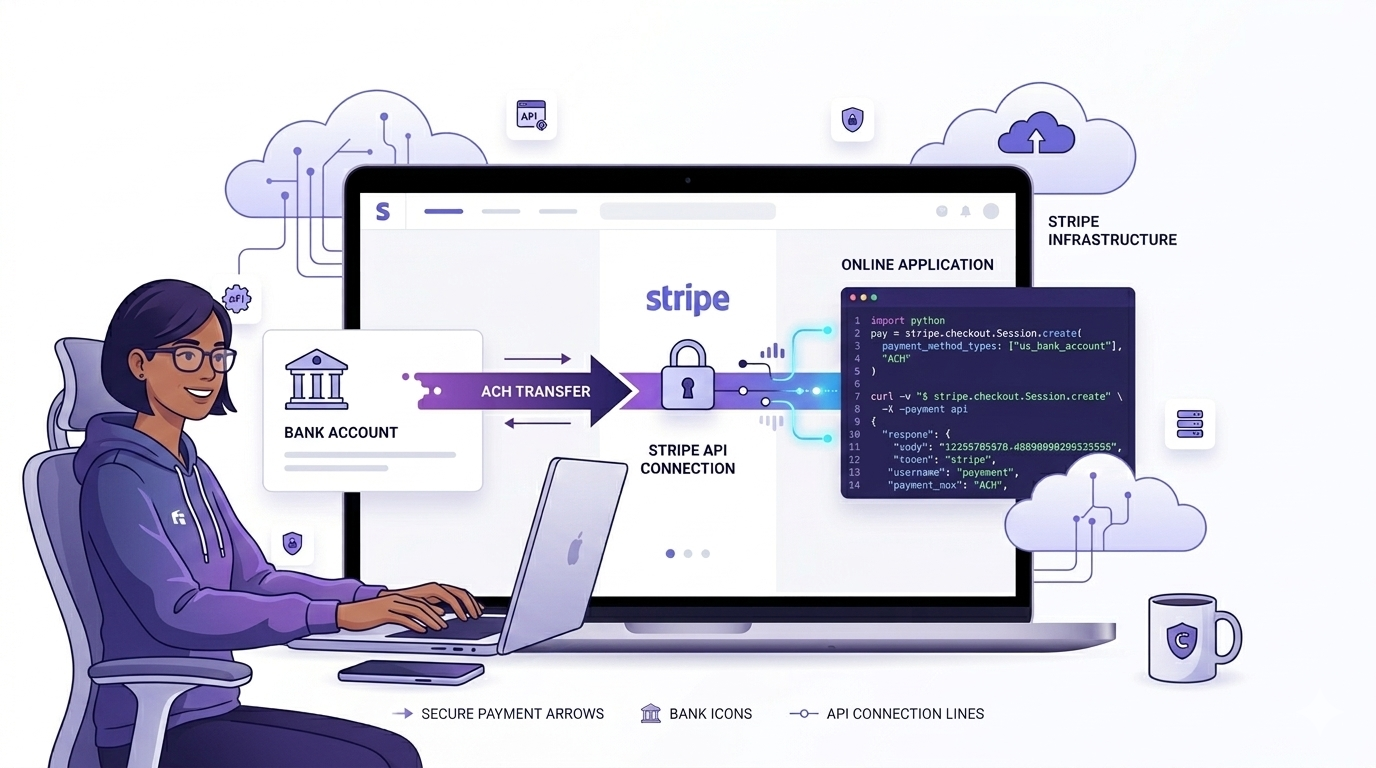
Card payments are straightforward - charge a card, get an instant confirmation, done. ACH is a different beast. The money moves through a different network, on a different timeline, with different failure modes. If you've never integrated it before, it can feel like a black box.
This guide breaks down how ACH actually works, what Stripe does under the hood to handle it, and how to integrate it correctly in your application.
How ACH Works
ACH stands for Automated Clearing House - a US banking network that handles the movement of money between bank accounts. It's the same network behind direct deposits, bill payments, and wire transfers.
Unlike card payments where authorization happens in real time, ACH payments are processed in batches. Banks submit transactions to the ACH network at specific times during the day, and settlements happen overnight. This is why transfers take 2-3 business days.
The Flow of an ACH Payment
When a customer pays via ACH, here's what actually happens behind the scenes:
- Customer provides their bank account number and routing number
- Stripe (acting as the originator) submits a debit request to the ACH network
- The customer's bank either accepts or rejects the debit - this takes 1-3 business days
- Stripe notifies you of the outcome via webhook
- Funds land in your Stripe balance (typically T+2 or T+3)
ACH vs Cards - What's Actually Different
Both move money, but the mechanics are completely different:
- Cards are authorized in real time - ACH is not. You won't know if an ACH payment failed until days later.
- ACH has much lower fees - typically 0.8% capped at $5, compared to 2.9% + 30¢ for cards. This matters at high transaction volumes.
- ACH failure reasons are vague - you'll get codes like R01 (insufficient funds) or R03 (no account), not a clean "card declined" message.
- ACH requires bank account verification before the first charge to reduce fraud risk.
What Stripe Handles For You
Integrating directly with the ACH network would mean dealing with NACHA file formats, bank relationships, and compliance requirements. Stripe abstracts all of that. When you use Stripe for ACH, you get out of the box:
- Bank account verification via Plaid (instant) or micro-deposits (2-3 days)
- NACHA-compliant transaction formatting and submission
- Automatic retry logic for certain failure types
- Webhook notifications for every status change
- Dispute and return handling
Integrating ACH in Laravel
Stripe uses the same PaymentIntent API for ACH as it does for cards - the main difference is the payment method type. You pass us_bank_account instead of card, and the settlement timeline changes from instant to 2-3 business days.
Step 1: Verify the Bank Account
Before you can charge a customer's bank account, you need to verify they actually own it. Stripe gives you two options:
- Instant verification via Plaid - customer logs into their bank through a Stripe-hosted UI. Done in seconds.
- Micro-deposit verification - Stripe sends two small deposits to the account, customer confirms the amounts. Takes 1-2 business days.
Plaid is the better choice for most cases. Use micro-deposits as a fallback for banks Plaid does not support. Either way, handle collection on the frontend with Stripe.js - never send raw account numbers to your own server.
Step 2: Create a PaymentIntent and Confirm
On your backend, create a PaymentIntent with us_bank_account as the payment method type, include the verification method, and attach metadata like order ID and customer email. Send the client_secret back to the frontend so Stripe.js can run the verification flow.
Once the customer confirms, the PaymentIntent status moves to processing. The money has not moved yet - the ACH debit has just been submitted to the network.
Step 3: Handle Status Changes via Webhooks
This is where the real work happens. Since settlement is async, your webhook handler is where all the business logic lives. Three events to handle:
payment_intent.processing- submitted to the network, waiting on the bankpayment_intent.succeeded- settled, money is in your Stripe balancepayment_intent.payment_failed- the bank rejected the transfer
Create a dedicated webhook endpoint in Laravel, verify the Stripe signature on every request, then route to the right handler based on event type. On success: update the payment record, fulfill the order, send a confirmation. On failure: update the record with the failure reason, notify the customer, pause access if needed. Keep handlers fast - acknowledge immediately and push heavy work to a queued job.
Things to Get Right From the Start
Always verify the bank account first. Charging an unverified account is possible, but your failure rate will be much higher. Always run verification - Plaid instant verification takes seconds and significantly reduces R03 and R04 returns.
Store the PaymentMethod ID, not the bank details. Once a customer verifies their bank account, save the PaymentMethod ID in your database. You can reuse it for future charges without asking them to go through verification again.
Build a reconciliation fallback. Webhooks can be missed if your server is down during delivery. Run a daily job that queries Stripe for any payments still stuck in a processing state and reconciles them against your database.
Be careful with retries. Some failure codes (R10, R29) mean the customer explicitly said they did not authorize the charge. Retrying these will make things worse. Only auto-retry soft failures like R01.
Wrapping Up
ACH is not as plug-and-play as card payments, but the tradeoff is worth it for the right use cases - lower fees, higher limits, and customers who prefer bank transfers over cards.
The integration itself is not complicated once you understand the timeline. Create a PaymentIntent, collect and verify the bank account, confirm the payment, and then let your webhook handler do the rest. Most of the edge cases come from the async nature of the network, not from Stripe's API itself.
Get the webhook handler right, build the reconciliation fallback, and handle failure codes correctly - that is 90% of a solid ACH integration.